In this guide
Most small business owners meet three words at the start of a website project, domain, DNS and hosting, and are asked to sort out all three before they know what any of them means. Mix them up and you can end up paying for something you cannot control, or losing your web address because a renewal email went to someone who left. Here is domain name and hosting explained in plain words: each piece, who should own it, what recurs every year and what to ask your builder.
What are a domain, DNS and hosting?
Think of a shop. The domain is the shop's name on the signboard, such as yourbusiness.com. The hosting is the building where the shop actually stands, a computer that is always on and holds your pages and images. DNS is the directory that tells the world which building the signboard points to. A visitor needs all three to work together, but they are three separate things, and they can be bought from three separate companies.
| Piece | What it is | Who should hold the account | Does it renew? |
|---|---|---|---|
| Domain name | Your web address, rented from a registrar for a set period | You, as the registrant, with an email address you control | Yes, usually every year or for a longer period you choose |
| DNS records | Instructions that point the name to your website and your email | Whoever manages the domain's settings, with you holding the login | No separate bill, but they must stay correct |
| Hosting | The server space where your website files live and are served from | You, even if your builder sets it up | Yes, on the plan period you pay for |
| HTTPS certificate | The padlock that shows the connection is private | Handled with your hosting or domain setup | Often renews automatically, but ask who monitors it |
| Email on your domain | Mailboxes such as hello@yourbusiness.com | You, with an admin login | Yes, on the mailbox plan you choose |
What happens when someone types your address?
You do not need to memorise the technical detail, but the sequence explains most problems you will ever see.
- A visitor types your domain name or taps a link.
- Their device asks DNS where that name lives and gets back the address of your host.
- Their browser connects to that host, usually over a secure HTTPS connection.
- The host sends back the page, and the visitor sees your website.
If step 2 fails, the site seems to have vanished even though the files are fine. If step 3 fails because the certificate lapsed, browsers warn visitors away. If the domain registration itself expires, the name stops working entirely. Those three failures account for most "my website is down" calls that turn out to be paperwork, not code.
Who should own what?
The rule is simple: the business owns the accounts. A builder can set everything up and manage it day to day, but the registrant name, the account login and the billing should belong to the business. Ask to be added as the owner, not as a guest on the builder's account.
- The domain is registered in your business name or your own name, not the builder's.
- The registrant email is an address you read, ideally a shared one such as accounts@ rather than one person's inbox.
- You have the login for the domain account and the hosting account, stored somewhere safe that more than one trusted person can reach.
- Two-step sign-in is switched on for both accounts.
- The domain is set to lock against unauthorised transfers, and you know where the transfer code lives if you ever leave.
- Billing goes to a payment method that will still be valid next year.
The most common horror story
A designer registers the domain under their own account to "make things easy", then the relationship ends. Now the business cannot move or renew its own address without that person. Settle ownership in writing before a single page is designed.
How do you choose a domain name?
A good name is one a customer can say over the phone and spell correctly the first time. Before you buy, run through this list.
- Short, easy to say and easy to spell. Read it aloud to someone else and ask them to type it.
- No hyphens, no numbers and no unusual spellings unless they are part of your brand.
- Close to your trading name, so people searching for you find you.
- Check the extension you want. Some businesses choose a country extension for a local feel, others a common global one. Check the current rules of any extension you are considering, since some have eligibility conditions.
- Check that the name does not look too close to another business, and check the social media handles you want match.
- Keep a plain version and, if you can afford it, think about whether common misspellings should also point to your site.
What about renewals?
A website is not a one-time purchase in the way a printed brochure is. Two things recur, and a third often does too.
- The domain registration runs for a period and then needs renewing. Turn on automatic renewal and keep the payment method current. Reminder emails go to the registrant address, so make sure that mailbox is monitored.
- The hosting plan renews on the period you chose. Note the date, and ask what happens to the site if a payment fails.
- Mailboxes and add-ons such as extra storage or a paid certificate have their own cycle.
What happens after a missed renewal depends on each provider's terms, so check the current terms before you rely on any grace period. A shared calendar entry a month before each date costs nothing and prevents most accidents.
Put every recurring cost on one line in your yearly budget: the domain, the hosting, email, and any maintenance plan you agree with your builder. For amounts, ask each provider directly, since they change.
How does email on your own domain fit in?
An address like hello@yourbusiness.com looks more trustworthy than a free mail address, and it stays with the business when staff change. Email is a separate service from website hosting. It is switched on by special DNS records that tell the world where your mail should be delivered.
- Decide how many mailboxes you need and who is the admin.
- Before any DNS change, write down the existing email records. Moving a website and accidentally deleting these is a classic way to lose incoming mail.
- Ask your builder to set up the records that help your messages be trusted by receiving mail systems, and test by sending to a few different mailbox types.
- Test your website's contact form after launch, and confirm the notifications reach a mailbox that someone reads.
How does this work at Zenocta?
At Zenocta, domain and hosting are billed separately from the website build. The build price (websites start from ₹8,888) covers the design and development of the site. The domain name and the hosting are paid for by the client, they stay in your name, and we help you set them up. Neither is part of the build price, and the pricing page does not quote a price for them, so ask about the current cost when you speak to us or to the providers you choose. You can read the same wording on the pricing page and on the website development page, and the proposal you receive within 24 hours of your free consultation sets out the scope and the timeline.
Who pays for hosting
Zenocta deploys and hosts the finished product. On white-label and custom client projects, the client pays the hosting cost, billed separately from the build price. Apps you install from Google Play and subscription products do not carry a separate hosting charge for the people who use them.
What should you ask any website builder?
- Will the domain and hosting be registered in my name, with me as the owner?
- What exactly does your price cover, and what is billed separately and to whom?
- Who handles renewals and reminders, and where do reminders go?
- If I leave, can I take my domain, my site files and my content with me, and how?
- How is the HTTPS certificate set up and renewed?
- Will my existing email keep working when the site goes live?
- How do backups work, and who can restore the site if something breaks?
- What is the plan if the site goes down at night or on a holiday?
What mistakes cost small businesses the most?
- Letting the builder register the domain in their own name.
- Using one person's personal email as the registrant contact.
- Letting a renewal lapse because the card on file expired.
- Changing DNS during a redesign and breaking email in the process.
- Buying several extras at once without knowing which are needed.
- Choosing hosting only on price and ignoring speed. A slow server undoes a fast design, as explained in how website speed affects search and customers.
- Not writing down logins, so a sick or departed colleague locks everyone out.
What do the demo websites show about addresses?
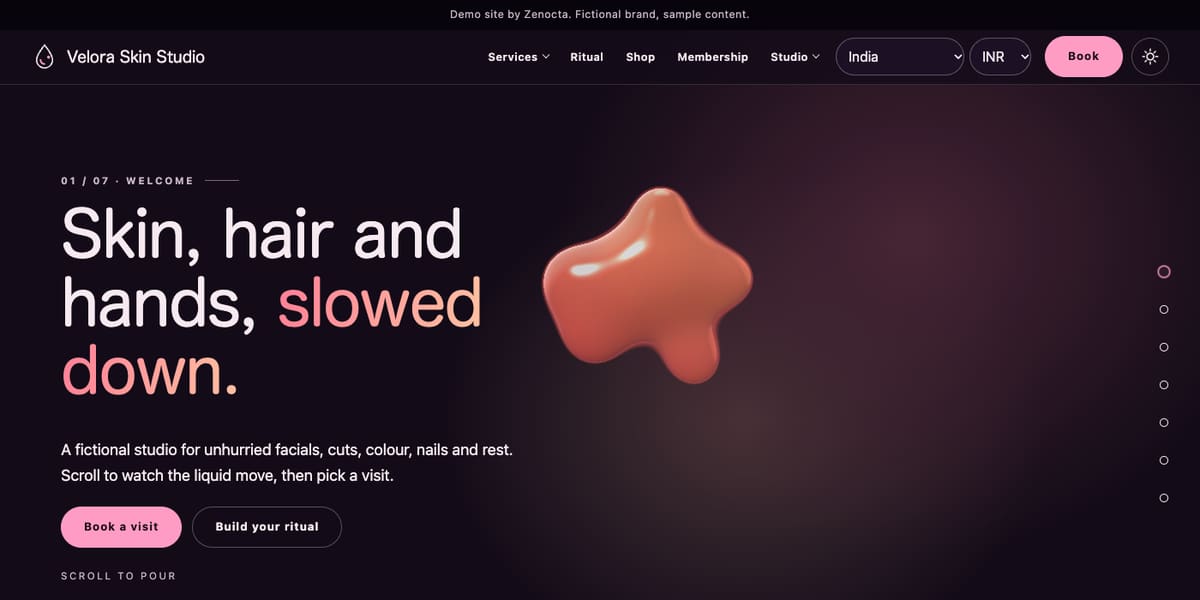
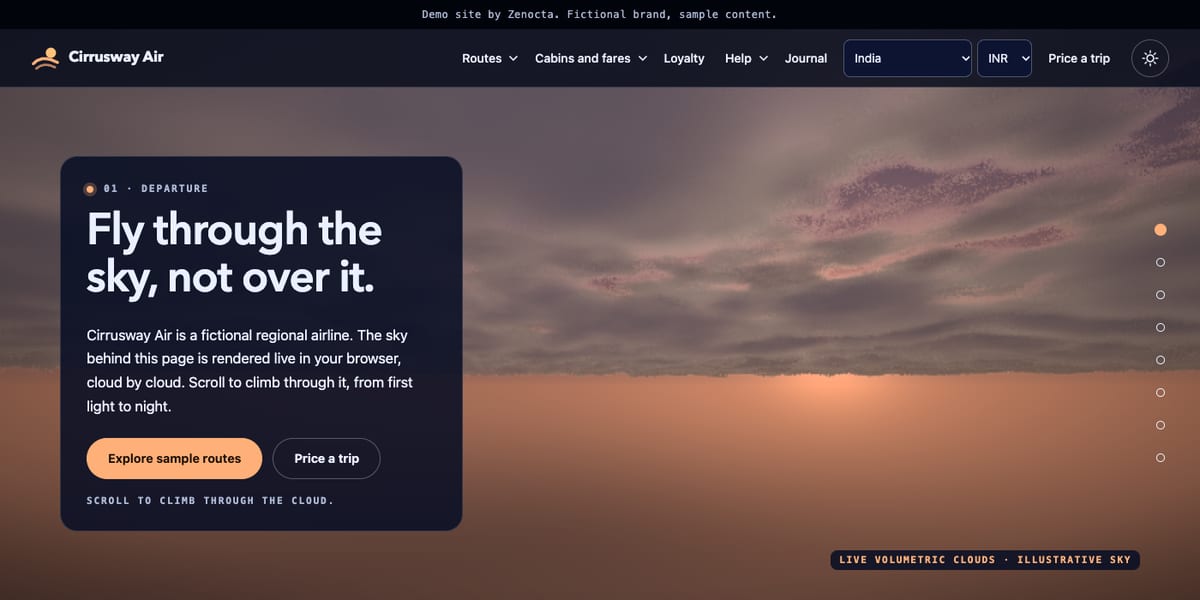
Every Zenocta demo website is a working site for a fictional business, and each sits on its own address under zenocta.com, which is what a subdomain looks like in practice. Oruvale Studio, Claywheel Studio and Fernwick Commons all load over a secure HTTPS connection. A real business would normally use its own name as the domain rather than a subdomain of its builder, and that is the point of the ownership advice above. You can look at more of them on the demo websites page.
How do you set up a domain and hosting step by step?
- Agree the owner. Decide whose name and email the accounts will use.
- Pick and check the domain name. Use the checklist above, then register it in the owner's name.
- Choose the hosting with your builder. Ask about speed, backups and support rather than price alone.
- Point the name to the site. The builder sets the DNS records. Changes can take from a few minutes to a day or more to be visible everywhere.
- Set up email. Create mailboxes, add the email records and send test messages.
- Check HTTPS. Open the site in a fresh browser window and confirm no warning appears.
- Calendar the renewals. Put every date in a shared calendar with a month's notice.
Next step
If you would like a website where you own the domain and the hosting account from day one, start with the page on how Zenocta works, then get in touch for a free consultation. We will explain the build scope, the timeline and what is billed separately before you approve anything. For why a well-run site is worth the effort, see why every business needs a modern website.
Try it live
Open the real thing: demos run in a new tab with sample data, apps link to their own page.
 Live demoOruvale Studio demoA demo photography site on its own secure address under zenocta.com.
 Live demoClaywheel Studio demoA demo ceramics studio site on its own address, with a shop and classes.
- ABrowse allAll demo websitesBrowse every working demo website for a fictional business.
- WBrowse allWebsite pricingWebsites from ₹8,888. Domain and hosting are billed separately and stay in your name.
- BBrowse allBook a free consultationAsk about your domain, hosting and a scoped, fixed-price proposal.
Frequently asked questions
01Does the Zenocta website price cover the domain and hosting?
No. The build price covers design and development. Domain name and hosting are billed separately, paid by the client, and stay in your name. We help you set them up, and the proposal explains the scope and timeline.
02What is the difference between a domain and hosting?
A domain is your web address, the name people type. Hosting is the always-on computer space where your website files are stored and served. DNS records connect the two, so the name leads visitors to the right host.
03Who should be the registered owner of my domain?
You, the business owner. Use your business or personal name and an email address you control. A builder can manage it for you, but registering it in their name can leave you unable to renew or move it later.
04What happens if I forget to renew my domain?
The website and any email on that domain can stop working. What happens next, including any grace period, depends on the provider's current terms. Turn on automatic renewal, keep your card valid and watch the registrant email for reminders.
05Do I need a separate email service for my business domain?
Usually yes. Email is separate from website hosting and is switched on through special DNS records. Decide how many mailboxes you need, record existing email settings before any change, and send test messages after the site goes live.