Skip to content
Zenocta Solutions
Zen Video Player app icon

Media player · Media and creative

Live on Google Play

Zen Video Player - All Format

Offline HD video player for MKV & MP4 with subtitles, gestures & private folder

  • Android

Free to use with core features Premium free for up to 3 months

Share / QR

500+ installson Google Play

Ratings come from Google Play and are refreshed when we update the site.

Inside Zen Video Player

  • Zen Video Player screen 1
  • Zen Video Player screen 2
  • Zen Video Player screen 3
  • Zen Video Player screen 4
  • Zen Video Player screen 5
  • Zen Video Player screen 6
  • Zen Video Player screen 7
  • Zen Video Player screen 8
Zen Video Player screen 1

Screen 1 of 8

Local-first video and audio player. No uploads, no account.

Use the arrow keys or the thumbnails to move through the screens.

Swipe sideways to browse the screens.

What’s new in version 1.3.1

13 Nov 2025

  • Back button fixed: from any tab it returns to Videos, two quick presses exit
  • Rotate button works with one tap
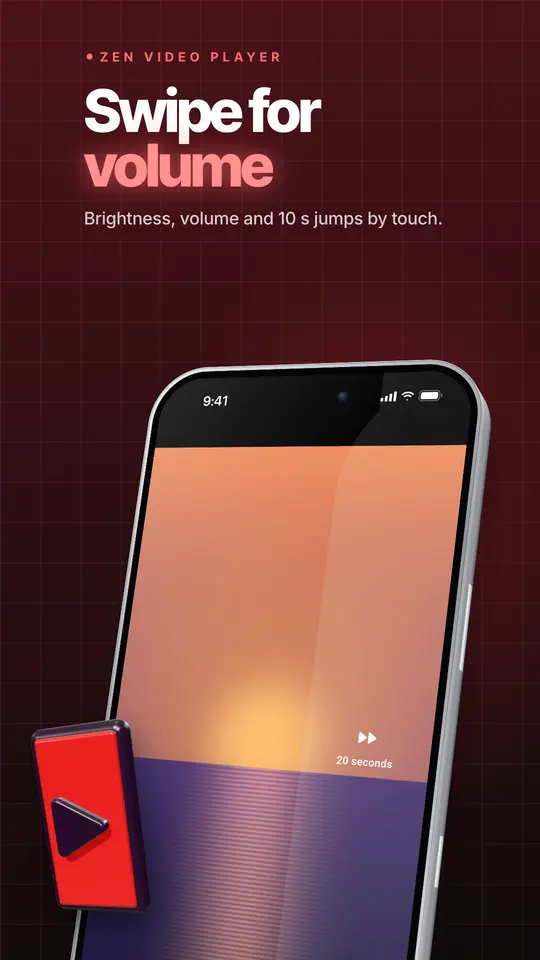
  • Only one volume bar while you swipe
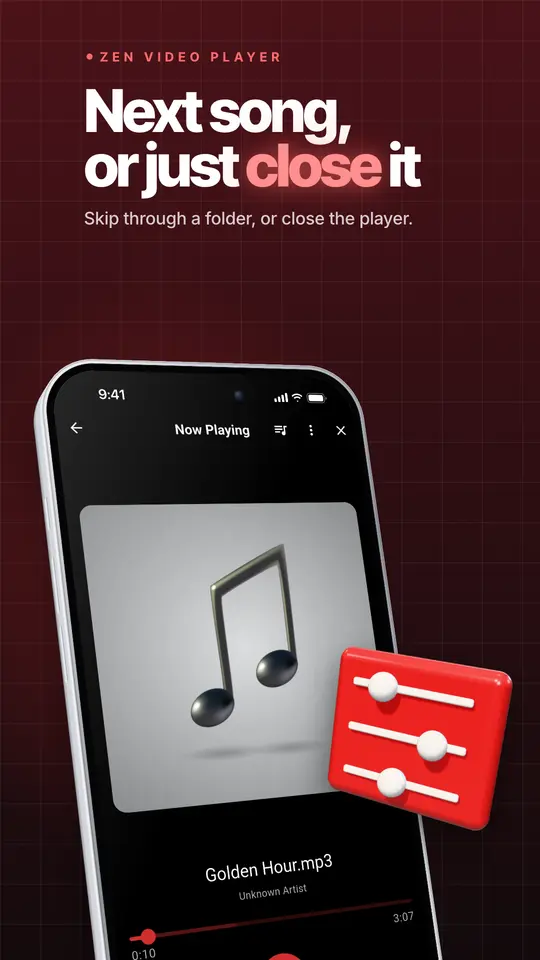
  • Next and Previous move through every song in a folder
  • Close button on the music player
  • Add several videos to Favorites at once
  • Ads no longer cover the Play button; steadier ad loading
  • Network streams: picture shows even on phones where the hardware decoder fails
  • Dark mode and landscape layout fixes

From the Google Play listing. Latest updates across all apps →

About Zen Video Player - All Format

Zen Video Player plays the videos on your phone in HD, offline. It opens MKV, MP4, AVI, MOV, WebM, HEVC (H.265) and most other formats, with subtitles, audio-track switching and easy gestures. You don't need an account.

Read the Zen Video Player case study →
Free to startAndroid

Free to start

Try Zen Video Player - All Format before you decide anything. There are two ways it is free.

Free tier

Use the app for free with limited features

Anyone can use Zen Video Player - All Format for free, and the free tier stays free. Some features are limited in the free tier; the Google Play listing lists what is included.

Premium plan

Premium, free for up to 3 months

Unlock the full app at no cost for the first months, then keep using the free tier whenever you like.

Features of Zen Video Player - All Format

Everything Zen Video Player - All Format does today, as listed on Google Play.

  • ▶️ plays almost any video

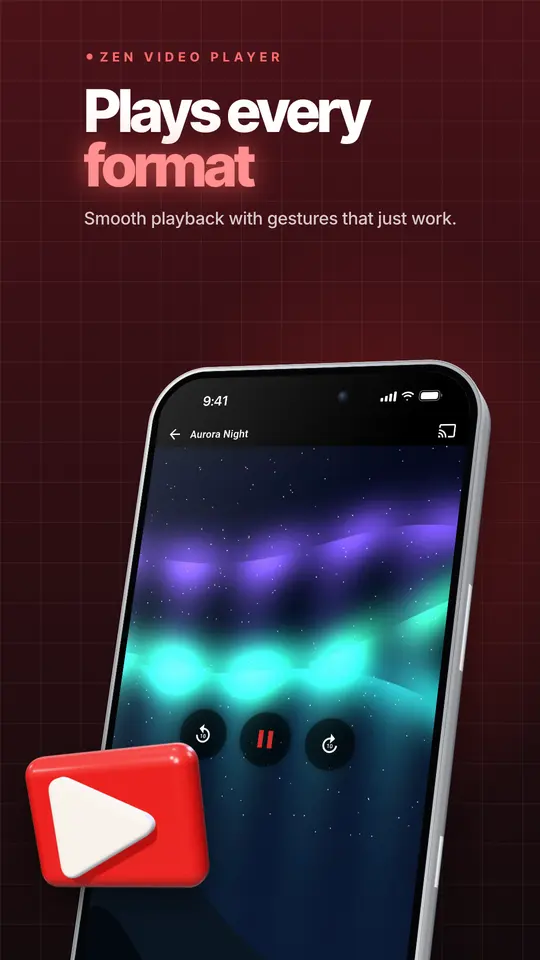
    • MKV, MP4, AVI, MOV, WMV, FLV, WebM, 3GP, TS and more
    • HD, Full HD and 4K; H.264, HEVC (H.265) and VP9
    • Hardware, HW+ and software decoding, so you can switch if a file stutters
    • Switch between audio tracks in multi-language videos
    • Play network links: MP4 and MKV URLs, live HLS (.m3u8) and RTSP streams
  • 👆 gestures that feel natural

    • Double-tap left or right to skip; tap again to skip further
    • Swipe sideways to seek, swipe up or down for brightness and volume
    • Pinch to zoom and drag to pan; fit, fill, 16:9, 4:3 or original size
    • Press and hold for 2× speed
    • Lock the screen so kids can't pause or close the video
  • 💬 subtitles your way

    • Finds SRT, ASS, SSA and VTT files next to the video automatically, including a "Subs" folder
    • Load any subtitle file from your phone
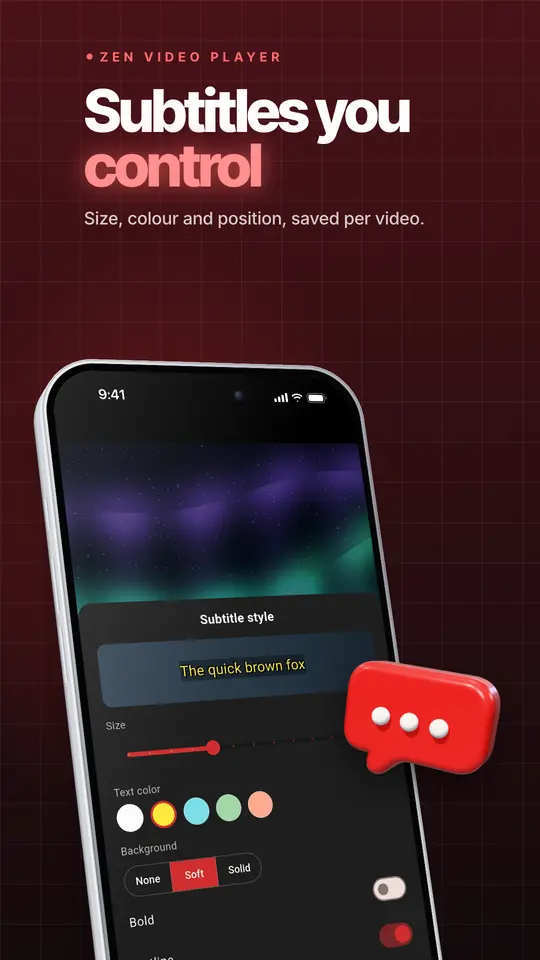
    • Change size, color, background, outline and position
    • Fix out-of-sync subtitles or audio with the delay control
  • ⏯️ playback controls

    • Speed from 0.25× to 4×
    • A-B repeat, loop one, loop all and shuffle
    • Resumes where you left off, with speed, zoom and subtitle choice remembered for each video
    • Bookmarks inside a video, and frame-by-frame stepping
    • Picture-in-picture pop-up window and background play with notification controls
    • Sleep timer
    • Volume boost up to 200% and a night mode that evens out loud and quiet scenes
    • Equalizer with presets
  • 📚 your library, organized

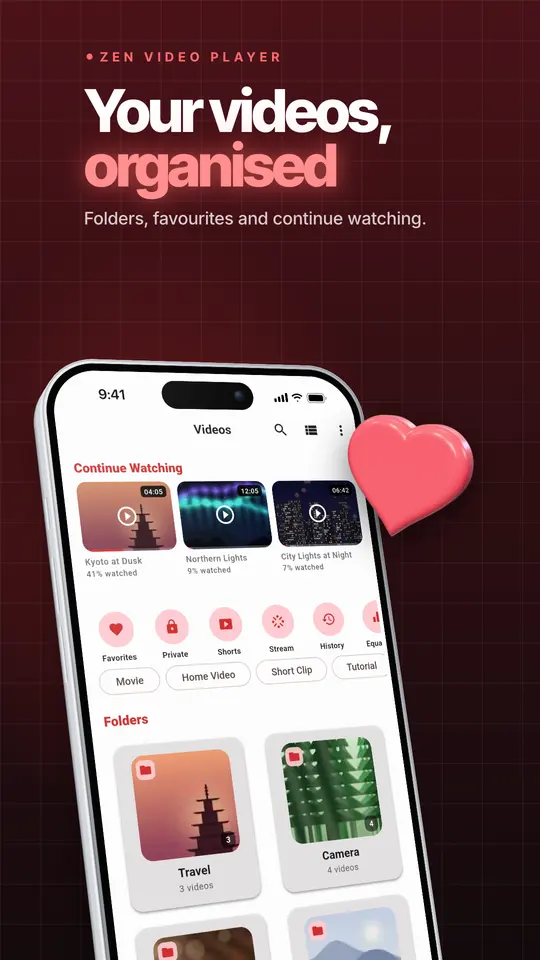
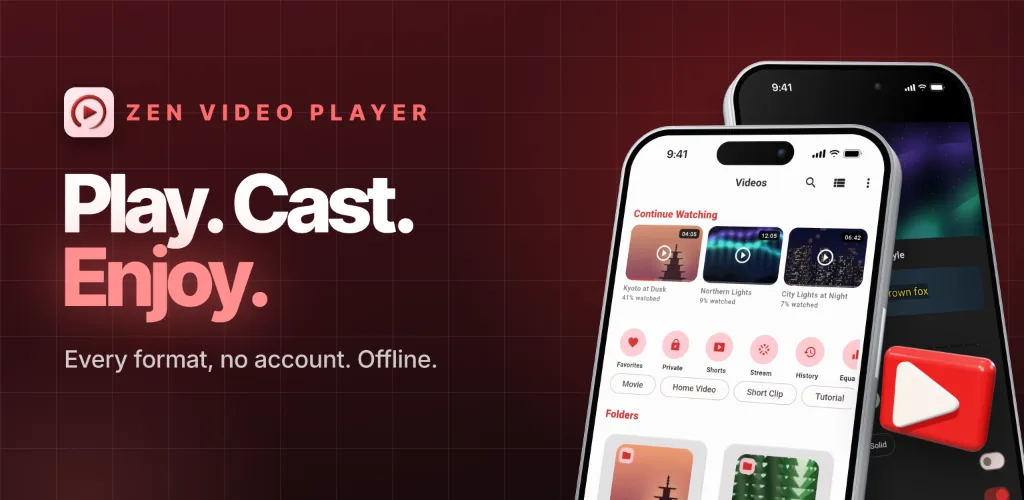
    • Continue Watching row with progress on every thumbnail
    • Folders with thumbnails, sorting and quick search
    • Automatic tags such as Home Video, Short Clip, Movie and Tutorial
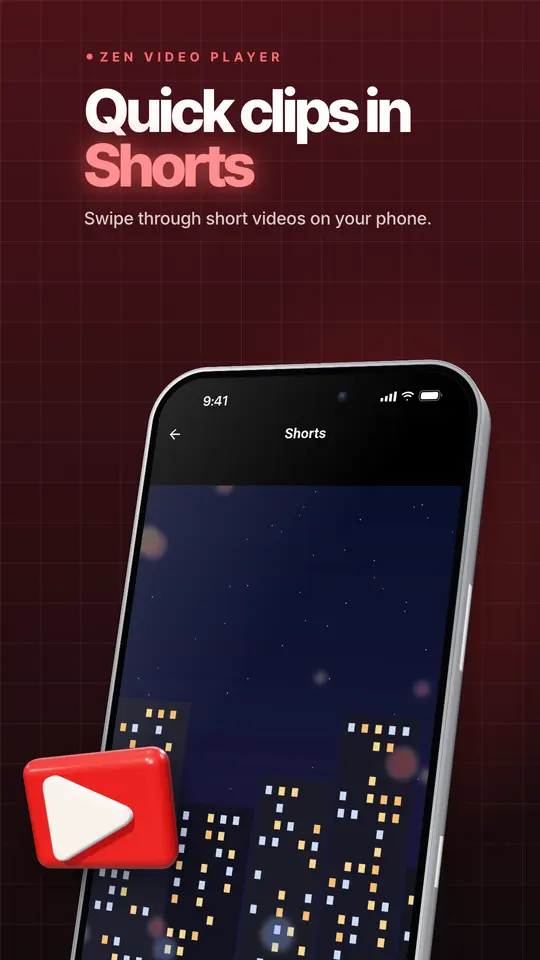
    • Shorts: swipe through your short clips in full screen
    • Favorites, playlists and watch history
    • Hide folders and very short clips (like WhatsApp videos) from the library
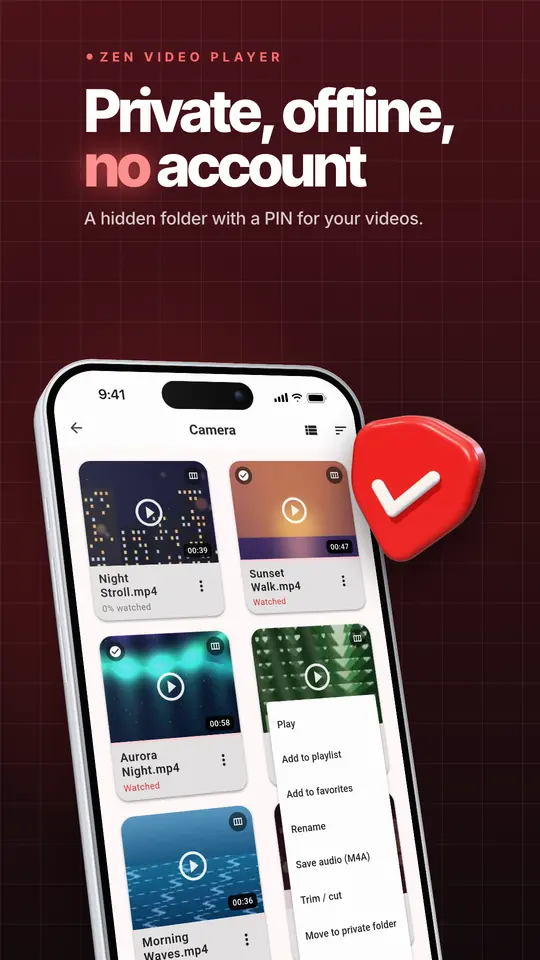
  • 🔒 private folder

    • Move videos into a folder locked with a PIN or your fingerprint
    • Private videos are hidden from the gallery and other apps, and never appear in history
    • Restore them to your gallery whenever you like
  • 🛠️ handy tools

    • Trim a video without re-encoding
    • Save the audio of a video as a separate file
    • Take a screenshot of any frame
    • Rename, share, and view file details
  • 📺 big screen

    • Cast to Chromecast and Google TV
    • Works on Android TV with the remote
  • 🎵 music too

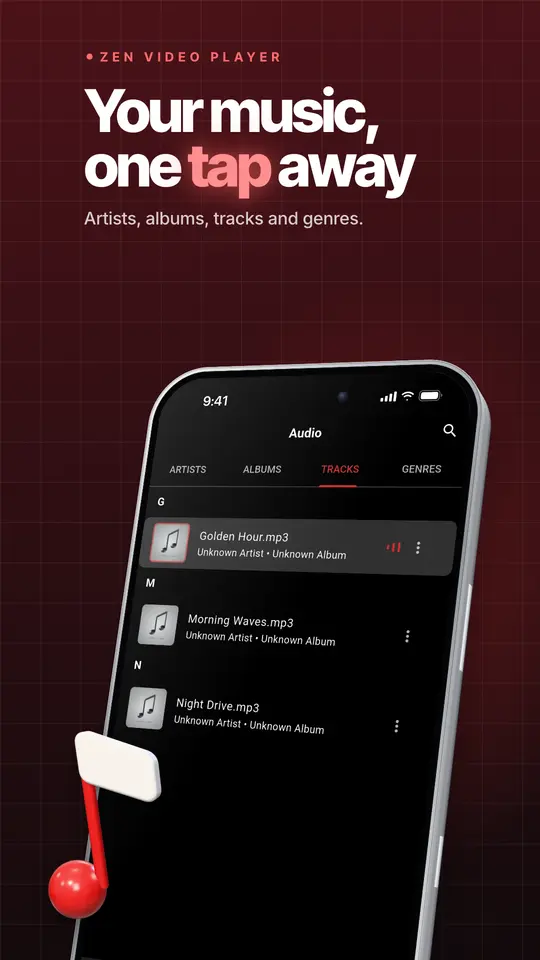
    • Plays the music on your phone, with background play and notification controls
  • 🎨 light and dark themes

    • Follows your system, or pick light or dark
    • Dark mode uses true black, which saves battery on OLED screens
  • 🔐 private by design

    Zen Video Player is supported by small banner ads.

    • Your videos stay on your phone; nothing is uploaded
    • No account and no sign-in
    • Back up playlists, favorites, bookmarks and settings to a file and restore them on a new phone

Listing last updated on Google Play: 13 Nov 2025

Questions about Zen Video Player

Pricing, where to get it, platforms and customisation.

Is Zen Video Player - All Format free?

Yes. Zen Video Player - All Format has a free tier that anyone can use for free, with limited features. When you start, you also get a free premium plan for up to 3 months that unlocks the full app at no cost for the first months. Some features are limited in the free tier; the Google Play listing lists what is included.

Where can I get Zen Video Player?

Zen Video Player is live on Google Play.

Does Zen Video Player have a web version?

No. Zen Video Player is an Android app. You can install it from Google Play.

What can Zen Video Player - All Format do?

Zen Video Player - All Format covers ▶️ plays almost any video, 👆 gestures that feel natural, 💬 subtitles your way, ⏯️ playback controls, 📚 your library, organized, 🔒 private folder. Zen Video Player plays the videos on your phone in HD, offline.

Can Zenocta customise Zen Video Player for my business?

Yes. We can change the name, logo, colours, features and workflow of an existing app, or build something new. Tell us what you need and you will get a scoped, fixed-price proposal within 24 hours.
How do I ask about Zen Video Player or my data?

Write to contact@zenocta.com or message us on WhatsApp. The privacy policy for this app is on our privacy page.

More Zenocta apps

All apps →

Want your own version of Zen Video Player?

We can change the name, logo, colours and features of an existing app, or build a new one. Book a free consultation and get a fixed-price proposal within 24 hours.