Skip to content
Zenocta Solutions
Photo Editor Pro: AI Cutout app icon

Photo editing · Media and creative

Live on Google Play

Photo Editor Pro: AI Cutout

AI background remover, collage maker & pro photo editor. Offline, no watermark.

  • Android

Free to use with core features Premium free for up to 3 months

Share / QR

Inside Photo Editor Pro

  • Photo Editor Pro screen 1
  • Photo Editor Pro screen 2
  • Photo Editor Pro screen 3
  • Photo Editor Pro screen 4
  • Photo Editor Pro screen 5
  • Photo Editor Pro screen 6
  • Photo Editor Pro screen 7
  • Photo Editor Pro screen 8
Photo Editor Pro screen 1

Screen 1 of 8

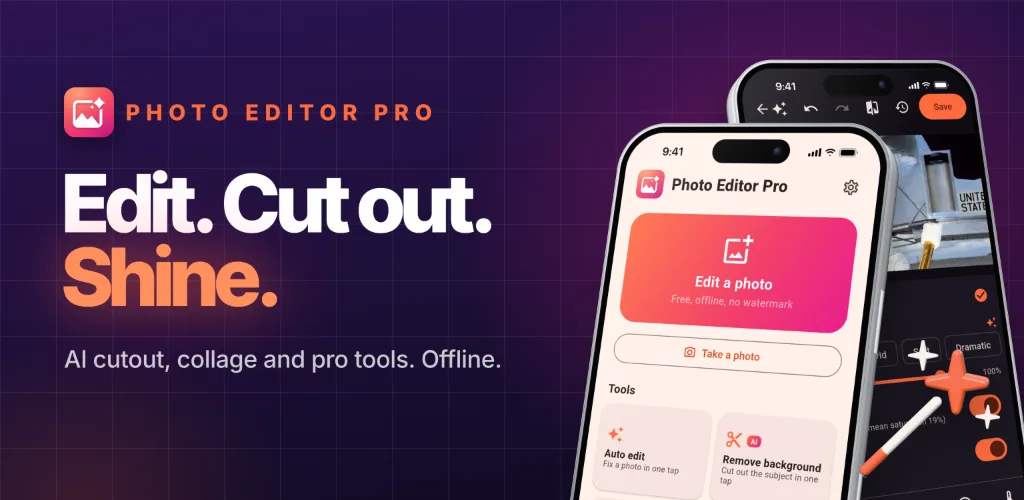
Offline photo editor with on-device AI cutout. No watermark, no account, no ads.

Use the arrow keys or the thumbnails to move through the screens.

Swipe sideways to browse the screens.

What’s new in version 1.1.0

6 Oct 2026

  • Hold to compare now shows your original photo while you press the button
  • Remove background: transparent cut-outs are saved as PNG, not white JPG
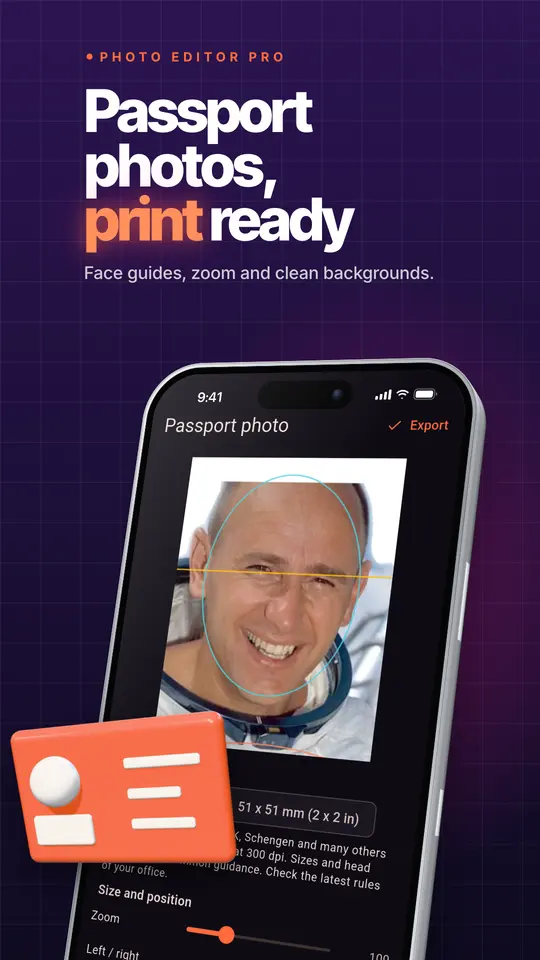
  • Passport photo: Zoom and position sliders, and cleaner backgrounds
  • Collage: confirm before leaving, a 12 photo limit message, use a photo again
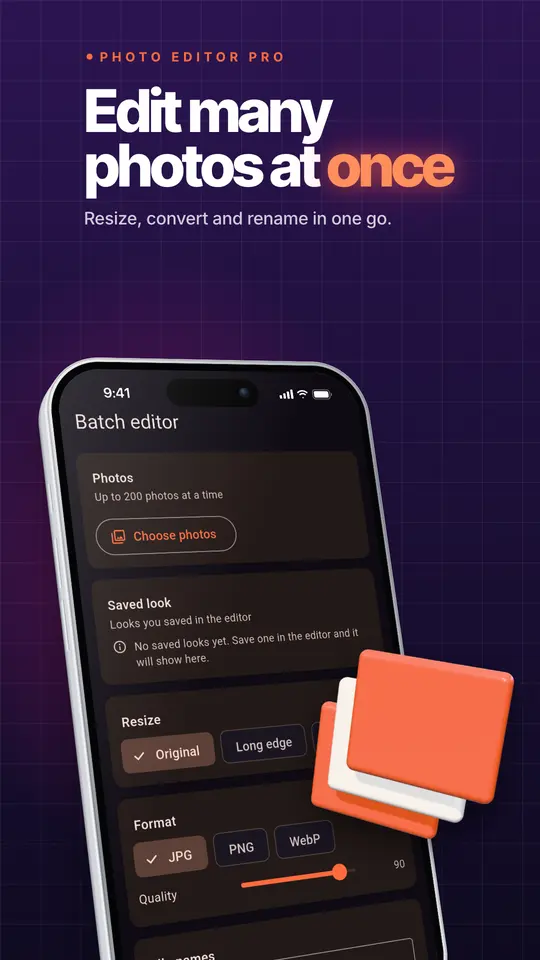
  • Batch editor: Done returns to Home
  • Photo info shows the orientation
  • Settings: Check for updates, More apps opens Google Play
  • Cleaner editor tools and Home screen, no more stuck messages

From the Google Play listing. Latest updates across all apps →

About Photo Editor Pro

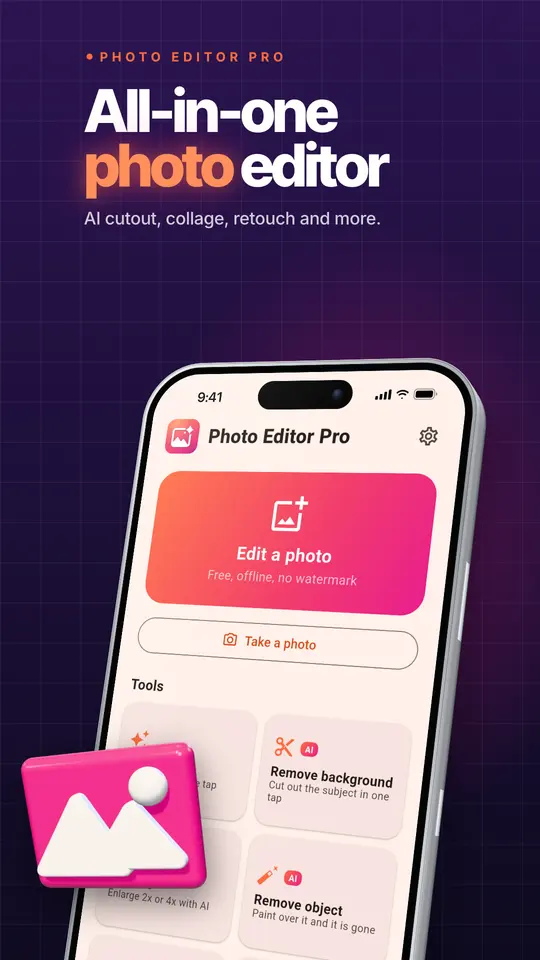
Photo Editor Pro: AI Cutout is a complete photo editor that works offline. Fix a photo in one tap with Auto edit, remove backgrounds with AI, erase objects, upscale small photos, retouch faces, scan documents, make passport photos, build collages and edit like a pro, with no watermark, no sign-in and no ads. Your photos never leave your phone.

Free to startAndroid

Free to start

Try Photo Editor Pro before you decide anything. There are two ways it is free.

Free tier

Use the app for free with limited features

Anyone can use Photo Editor Pro for free, and the free tier stays free. Some features are limited in the free tier; the Google Play listing lists what is included.
Premium plan

Premium, free for up to 3 months

Unlock the full app at no cost for the first months, then keep using the free tier whenever you like.

Features of Photo Editor Pro

Everything Photo Editor Pro does today, as listed on Google Play.

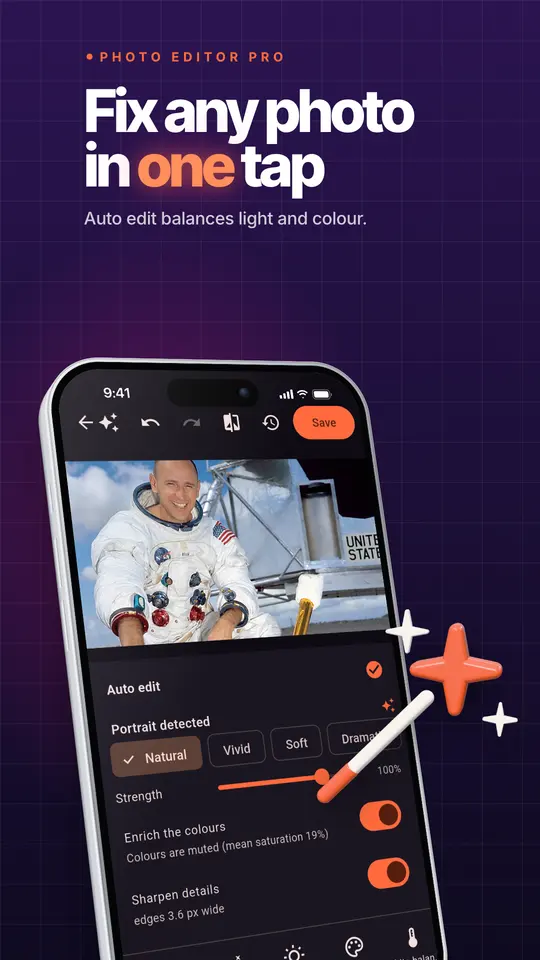
  • Auto edit: one tap, best result

    AI TOOLS (run on your phone, no internet needed)

    • Analyses your photo and levels everything for you: exposure, shadows and highlights, white balance, contrast, colour, noise, sharpness and a crooked horizon
    • Knows the scene: portrait, low light, backlit, landscape, black and white or document
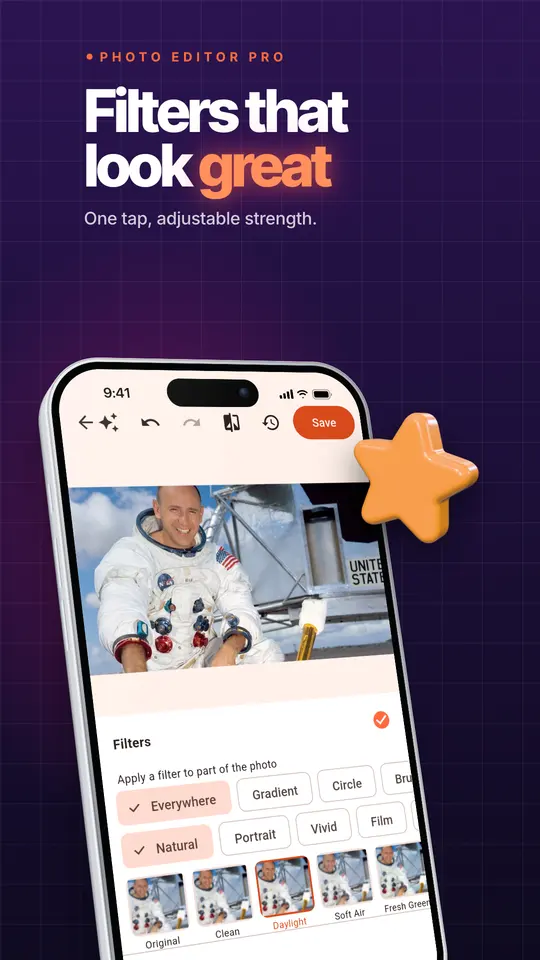
    • Four styles (Natural, Vivid, Soft, Dramatic) and a strength slider
    • See what it changed, switch any step off, undo it in one tap
    • Run it on a whole batch of photos at once
    • AI Cutout: remove or replace the background in one tap, with a refine brush for hair and edges
    • Object remover: paint over a person, sign or blemish and it disappears
    • Upscale 2x and 4x: make small or blurry photos bigger and sharper
    • Magic select: tap an object to select it
    • Portrait blur: keep the subject sharp and blur the background
  • Pro editing tools

    • Crop, rotate, straighten, flip, perspective and lens correction
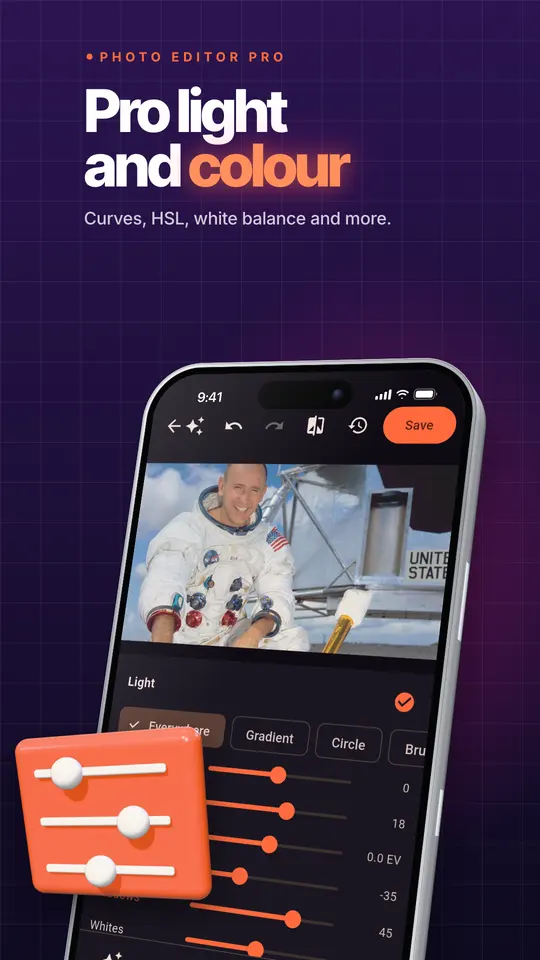
    • Brightness, contrast, exposure, highlights, shadows, whites and blacks
    • Saturation, vibrance, temperature and tint
    • Curves, levels, HSL colour mixer and selective colour
    • Local edits with gradient, circle and brush masks
    • Blur, sharpen, clarity, dehaze and noise reduction
    • Vignette, gradient, grain, glow and film looks
    • 35+ filters and presets, plus your own saved presets
    • Full undo, redo and history of every step
    • Drafts save automatically: close the app and continue later
  • Retouch

    • Healing brush and clone stamp
    • Skin smoothing and blemish removal
    • Teeth whitening and red-eye correction
    • Liquify and face reshape
  • Create

    • Layers with blend modes, opacity and masks
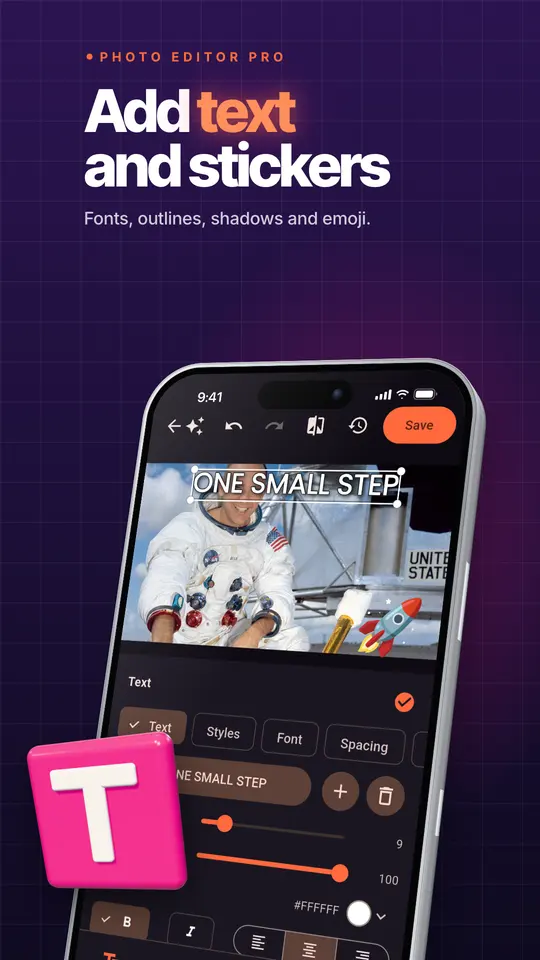
    • Text with 24 fonts, outlines, shadows and curved text
    • Stickers, overlays, frames and borders
    • Brushes, pen, shapes and a blur or mosaic brush to hide faces and number plates
    • Double exposure
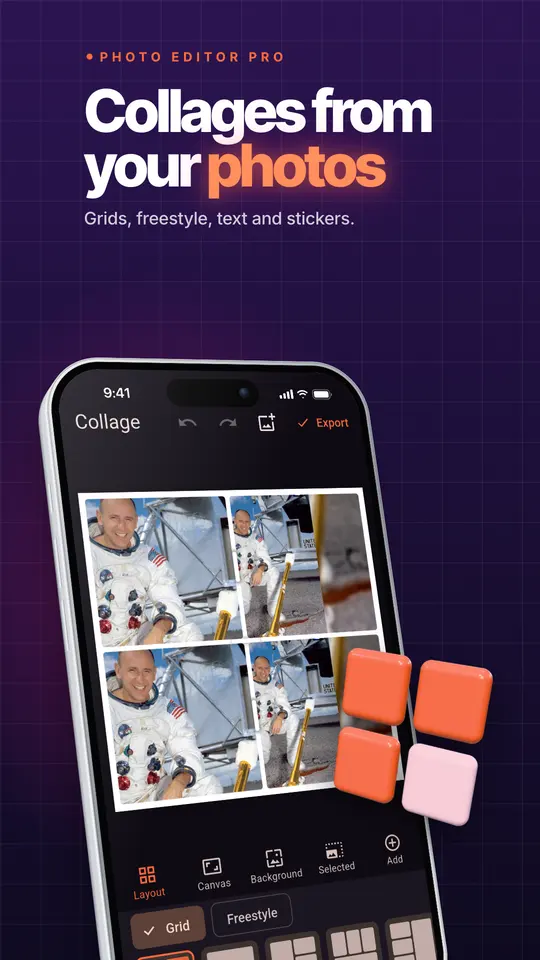
    • Collage maker with 60+ layouts, free-style scrapbook mode and photo stitching
  • Scan and id photos

    • Document scanner: finds the page, flattens it, cleans it up (colour, grayscale, black and white), multi-page, saves JPG or PDF
    • Passport photo maker: face-aware crop, AI background swap to white or blue, 35x45 mm and 2x2 inch sizes, print sheets for 4x6, 5x7 and A4
  • Files and privacy

    • Batch editing: resize, convert, watermark and clean many photos at once
    • RAW and DNG import using your phone's built-in decoder
    • EXIF viewer and editor: change dates, or remove location and all metadata
    • Compress a photo to an exact size in KB, convert JPG, PNG and WebP
    • Save copies to a folder in Google Drive, OneDrive or Dropbox through your own cloud app
    • Add your own text or logo watermark
  • Why people switch

    Developed by Zenocta Solutions. Questions? contact@zenocta.com

    Tips: open a photo with Edit a photo, pick a tool from the bottom bar and tap the check mark when you are done. Hold the compare button to see the original.

    • No watermark and no export limits
    • No account and no sign-in
    • No ads between editing and saving
    • Original resolution export with JPG quality control
    • Private by design: the app has no internet access at all

Listing last updated on Google Play: 6 Oct 2026

Questions about Photo Editor Pro

Pricing, where to get it, platforms and customisation.

Is Photo Editor Pro free?

Yes. Photo Editor Pro has a free tier that anyone can use for free, with limited features. When you start, you also get a free premium plan for up to 3 months that unlocks the full app at no cost for the first months. Some features are limited in the free tier; the Google Play listing lists what is included.
Where can I get Photo Editor Pro: AI Cutout?

Photo Editor Pro: AI Cutout is live on Google Play.

Does Photo Editor Pro: AI Cutout have a web version?

No. Photo Editor Pro: AI Cutout is an Android app. You can install it from Google Play.

What can Photo Editor Pro do?

Photo Editor Pro covers auto edit: one tap, best result, pro editing tools, retouch, create, scan and id photos, files and privacy. Photo Editor Pro: AI Cutout is a complete photo editor that works offline.

Can Zenocta customise Photo Editor Pro: AI Cutout for my business?

Yes. We can change the name, logo, colours, features and workflow of an existing app, or build something new. Tell us what you need and you will get a scoped, fixed-price proposal within 24 hours.
How do I ask about Photo Editor Pro: AI Cutout or my data?

Write to contact@zenocta.com or message us on WhatsApp. The privacy policy for this app is on our privacy page.

More Zenocta apps

All apps →

Want your own version of Photo Editor Pro?

We can change the name, logo, colours and features of an existing app, or build a new one. Book a free consultation and get a fixed-price proposal within 24 hours.