Skip to content
Zenocta Solutions
Audio Cutter: MP3 Editor & 8D app icon

Audio editing · Media and creative

Live on Google Play

Audio Cutter: MP3 Editor & 8D

MP3 cutter, ringtone maker, vocal remover, 8D audio, converter and recorder

  • Android

Free to use with core features Premium free for up to 3 months

Share / QR

Inside Audio Cutter

  • Audio Cutter screen 1
  • Audio Cutter screen 2
  • Audio Cutter screen 3
  • Audio Cutter screen 4
  • Audio Cutter screen 5
  • Audio Cutter screen 6
  • Audio Cutter screen 7
  • Audio Cutter screen 8
Audio Cutter screen 1

Screen 1 of 8

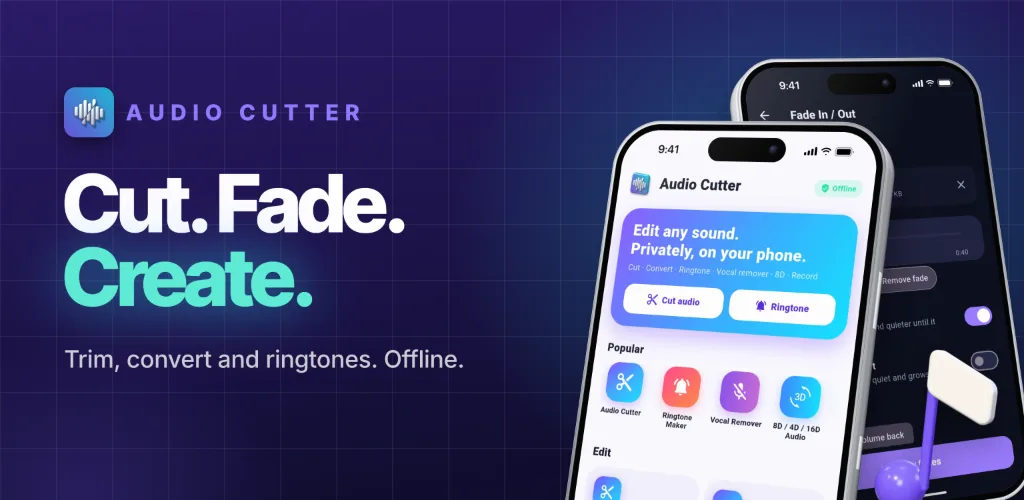
Offline audio cutter, converter and 8D audio maker. No ads, no account.

Use the arrow keys or the thumbnails to move through the screens.

Swipe sideways to browse the screens.

What’s new in version 1.1.0

6 Oct 2026

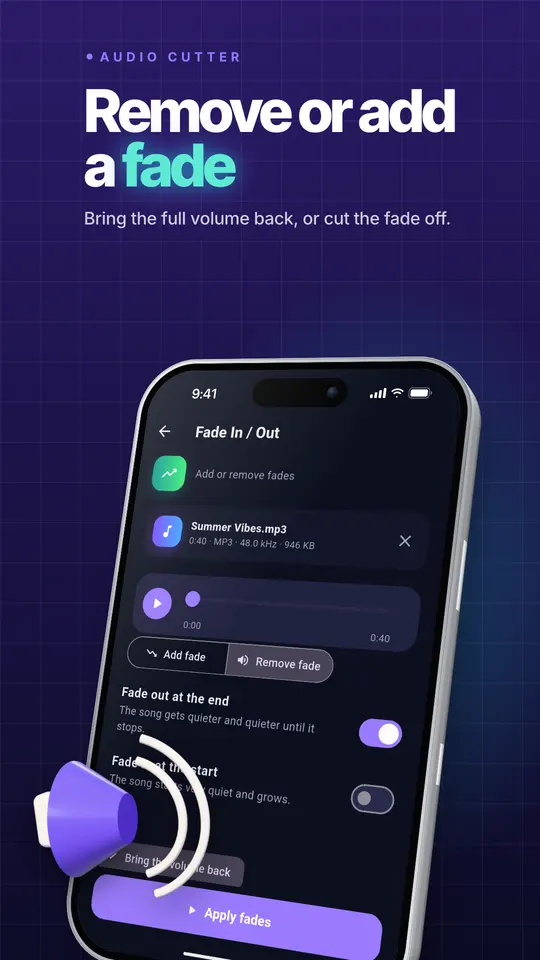
  • Remove fade: take away a fade-out or fade-in the song already has. The volume comes back, or the faded part is cut off
  • Fade tool: Add fade and Remove fade in one screen
  • Editor: new Remove fade button
  • Music maker: the volume now stays the same to the end. Quiet start and ending is optional
  • Check your result on the same screen and undo any change

From the Google Play listing. Latest updates across all apps →

About Audio Cutter

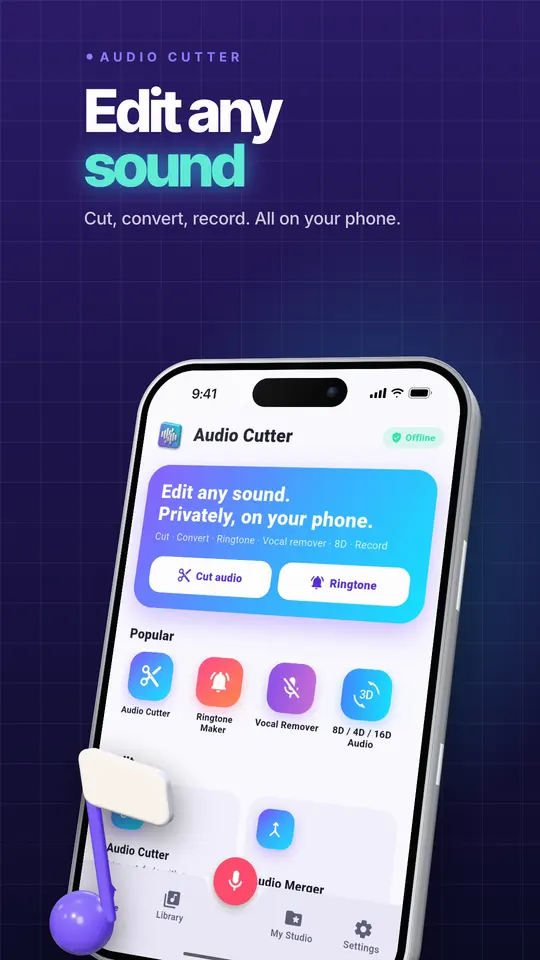
Audio Cutter is the all-in-one audio editor for your phone. Cut MP3 files, make ringtones, remove vocals, convert formats, record your voice, create 8D audio and more. Everything runs on your phone: no uploads, no account, no ads, and no limits on file length.

Most audio apps put ads after every edit, lock splitting behind a subscription, or lose the file you just saved. Audio Cutter does the opposite. Every tool is free, saved files go to a folder you can find, and your music never leaves your device.

Free to startAndroid

Free to start

Try Audio Cutter before you decide anything. There are two ways it is free.

Free tier

Use the app for free with limited features

Anyone can use Audio Cutter for free, and the free tier stays free. Some features are limited in the free tier; the Google Play listing lists what is included.

Premium plan

Premium, free for up to 3 months

Unlock the full app at no cost for the first months, then keep using the free tier whenever you like.

Features of Audio Cutter

Everything Audio Cutter does today, as listed on Google Play.

  • Cut and edit

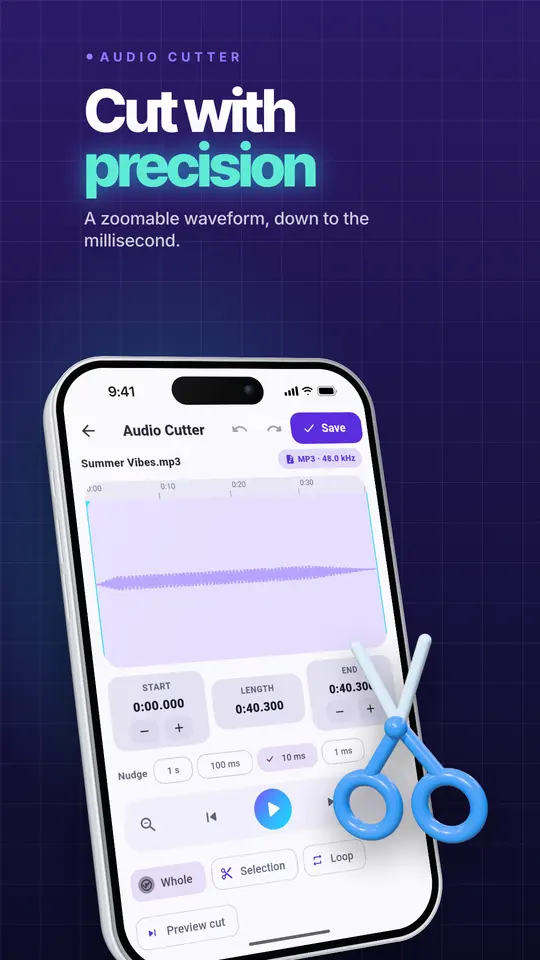
    • MP3 cutter and audio trimmer with a waveform you can zoom down to one millisecond
    • Cut out the middle, delete, silence, copy, paste and add silence
    • Unlimited undo and redo
    • Lossless cutting for MP3, M4A and FLAC: the cut is made without re-encoding, so quality stays exactly the same
    • Fade in and fade out with different curves
    • Merge any number of songs with crossfade
    • Mixer: layer several tracks, set volume, balance and start time for each, and lower the music automatically under a voice
    • Split a long file into parts every N seconds, into equal parts, at silences or at times you choose
    • Silence remover for podcasts, lectures and voice memos
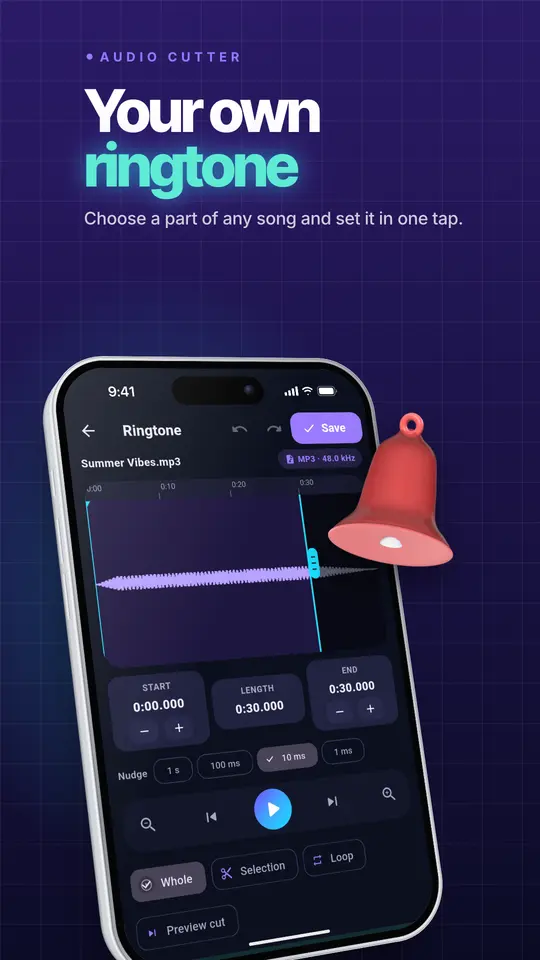
  • Ringtone maker

    • Make a ringtone, alarm or notification sound from any song
    • Set it as your default sound in one tap, with a guided permission step and a system picker fallback
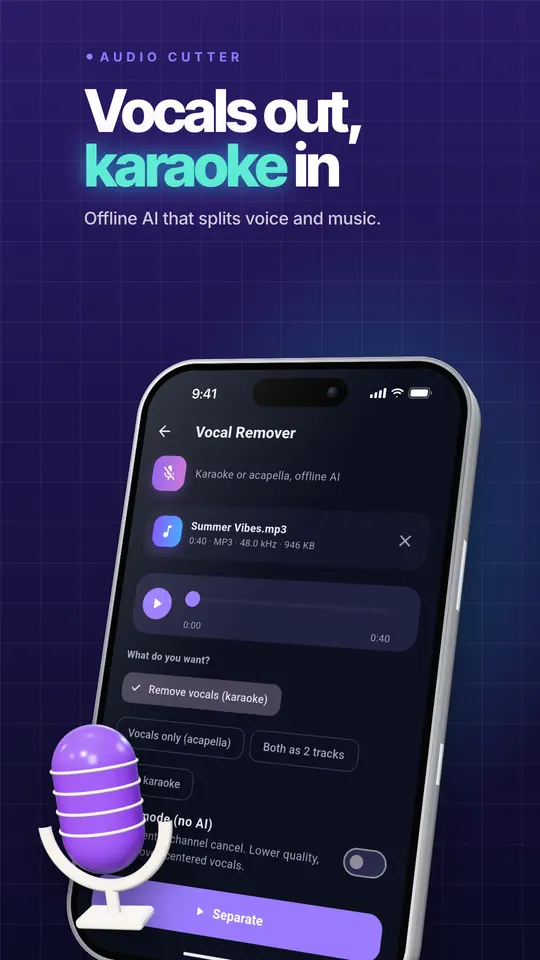
  • Vocal remover and karaoke

    • Remove vocals from a song and keep the music, or keep only the vocals (acapella)
    • Get both as two tracks, or keep a little vocal as a guide
    • Runs on an on-device AI model, so there is no upload and no daily limit
  • 8d, 4d, 16d and 32d audio

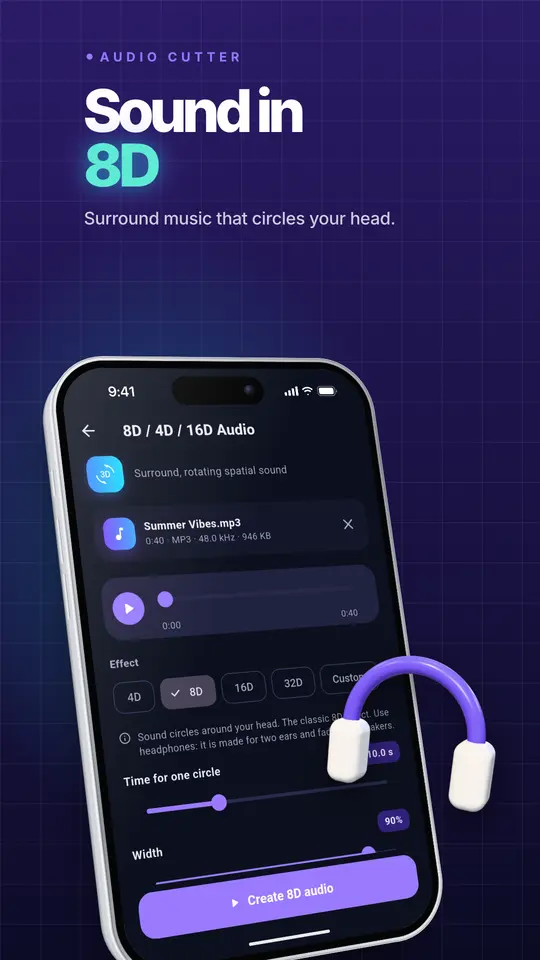
    • Turn any song into 8D audio that circles around your head, or try 4D, 16D and 32D presets
    • Fine-tune the speed of rotation, width, up and down movement, reverb and path
  • Convert and compress

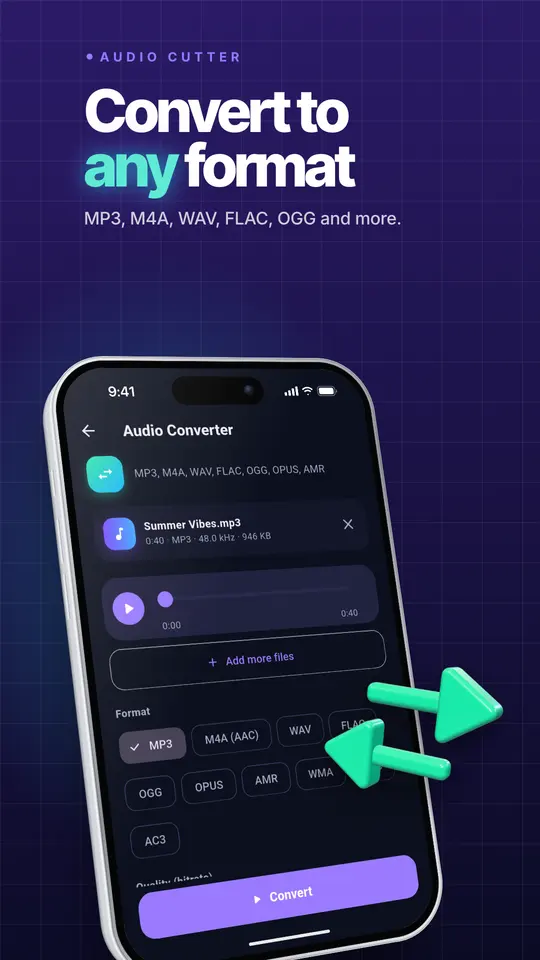
    • Audio converter for MP3, M4A (AAC), WAV, FLAC, OGG, OPUS, AMR, WMA and AC3
    • Batch convert many files at once
    • Video to MP3: extract audio from any video, or copy the original audio without quality loss
    • Compress audio to a target size such as 16 MB for WhatsApp, 25 MB for email, or any size you choose
    • Tag and cover art editor for title, artist, album, genre, year and artwork
  • Sound and voice

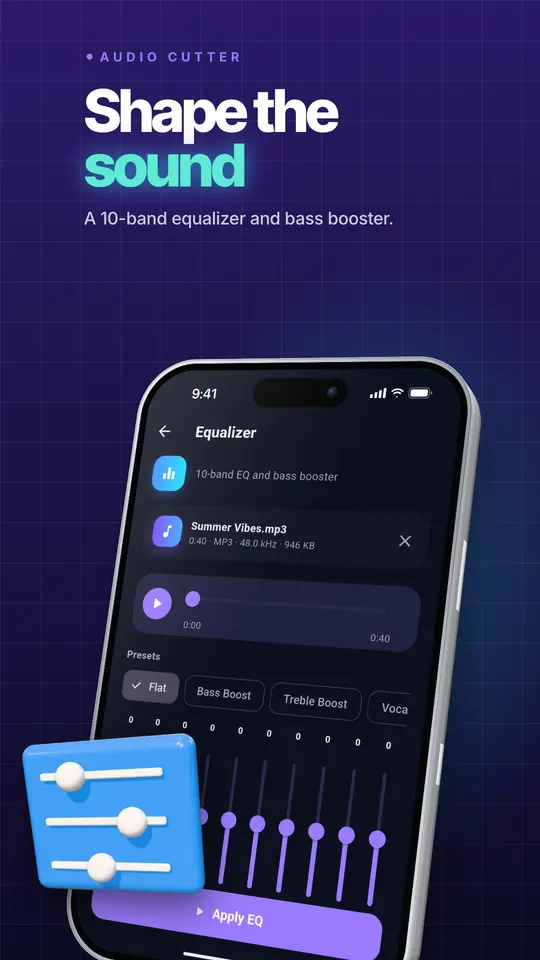
    • 10-band equalizer with 13 presets and a bass booster
    • Volume booster, even-out volume and loudness targets (LUFS) for Spotify, YouTube, podcasts and broadcast
    • Speed and pitch changer with presets for nightcore and slowed + reverb
    • 23 effects: reverb, echo, chorus, flanger, compressor, limiter, telephone, radio and more, with a 15-second preview
    • Noise remover: an on-device AI removes background noise from voice, and a classic mode cleans hiss and hum from music
    • Voice enhancer: noise removal, clarity, levelling and loudness in one tap
    • Voice changer: chipmunk, deep, robot, alien, male to female, female to male and more
    • Reverse audio
  • Create

    • Voice recorder in lossless quality with a live level meter, pause and resume
    • Music maker: compose royalty-free tracks in 14 styles (lo-fi, pop, EDM, hip hop, trap, jazz, cinematic, piano and more) with your mood, tempo, key and instruments
    • Text to speech: turn text into an audio file with the voices on your phone
    • Tone generator: sine, square, saw, white, pink and brown noise, sweeps, binaural beats for focus and sleep, dial tones and a metronome
  • Analyze

    • Find the BPM and musical key of a song, with Camelot notation for DJs
    • Measure loudness (LUFS), loudness range and true peak
  • Private by design

    Perfect for musicians, podcasters, students, DJs, teachers, voice actors, video creators and anyone who wants a custom ringtone.

    Questions or ideas? Write to contact@zenocta.com. We read every message.

    • Works completely offline. The app does not ask for internet access
    • No ads, no watermark, no account, no subscription
    • Your files stay on your phone and are saved to Music/Audio Cutter, Ringtones, Alarms or Notifications so every other app can see them

Listing last updated on Google Play: 6 Oct 2026

Questions about Audio Cutter

Pricing, where to get it, platforms and customisation.

Is Audio Cutter free?

Yes. Audio Cutter has a free tier that anyone can use for free, with limited features. When you start, you also get a free premium plan for up to 3 months that unlocks the full app at no cost for the first months. Some features are limited in the free tier; the Google Play listing lists what is included.
Where can I get Audio Cutter: MP3 Editor & 8D?

Audio Cutter: MP3 Editor & 8D is live on Google Play.

Does Audio Cutter: MP3 Editor & 8D have a web version?

No. Audio Cutter: MP3 Editor & 8D is an Android app. You can install it from Google Play.

What can Audio Cutter do?

Audio Cutter covers cut and edit, ringtone maker, vocal remover and karaoke, 8d, 4d, 16d and 32d audio, convert and compress, sound and voice. Audio Cutter is the all-in-one audio editor for your phone.

Can Zenocta customise Audio Cutter: MP3 Editor & 8D for my business?

Yes. We can change the name, logo, colours, features and workflow of an existing app, or build something new. Tell us what you need and you will get a scoped, fixed-price proposal within 24 hours.

How do I ask about Audio Cutter: MP3 Editor & 8D or my data?

Write to contact@zenocta.com or message us on WhatsApp. The privacy policy for this app is on our privacy page.

More Zenocta apps

All apps →

Want your own version of Audio Cutter?

We can change the name, logo, colours and features of an existing app, or build a new one. Book a free consultation and get a fixed-price proposal within 24 hours.