Free tier
Use the app for free with limited features
Anyone can use Video Editor for free, and the free tier stays free. Some features are limited in the free tier; the Google Play listing lists what is included.

Video editing · Media and creative
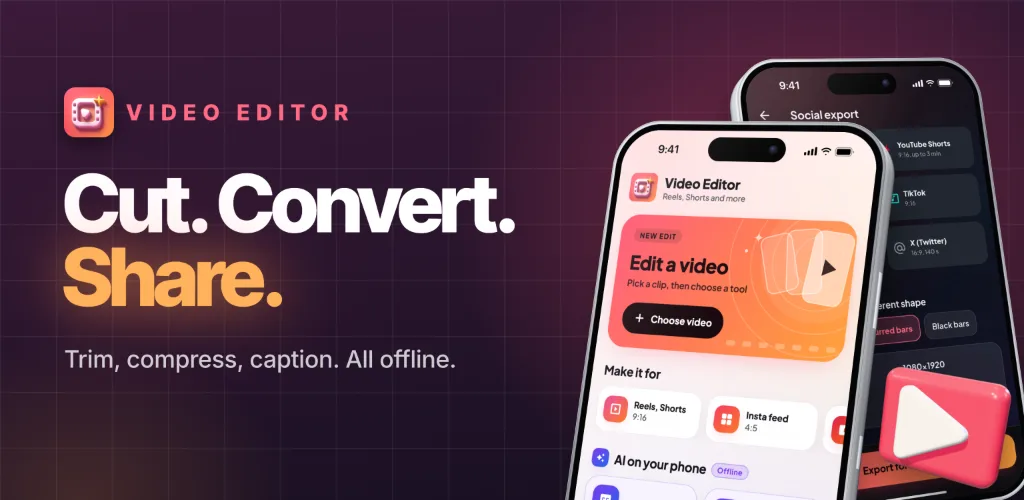
Live on Google PlayCut, compress, convert and caption videos. Offline, no ads, no watermark.
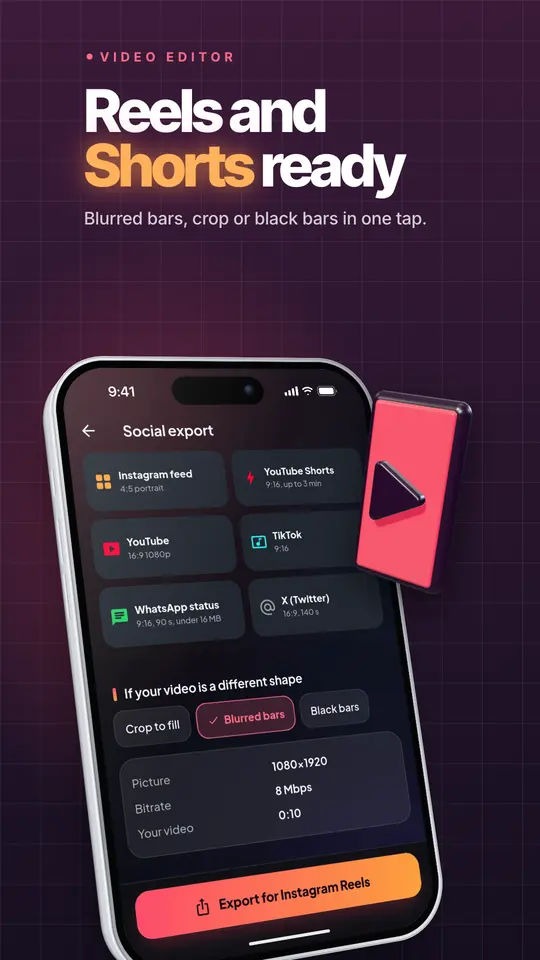
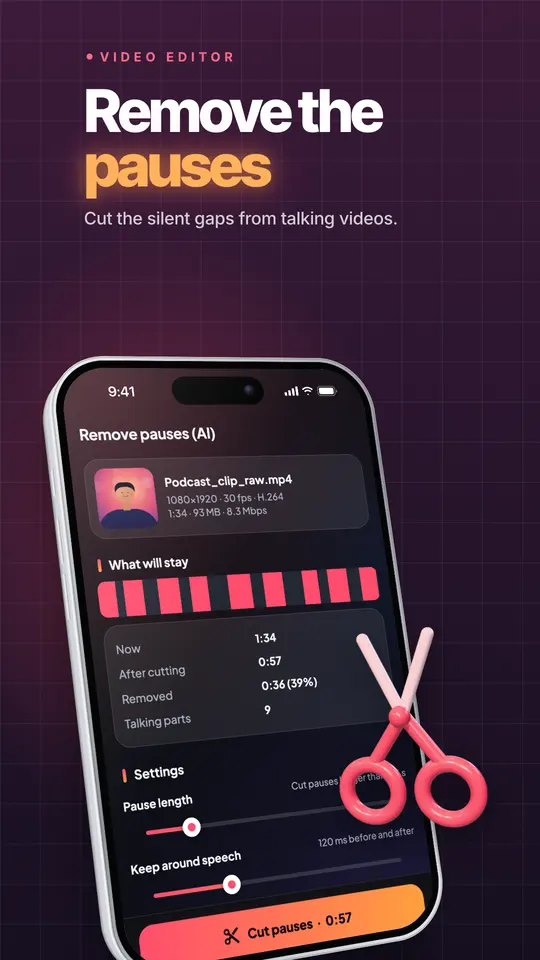
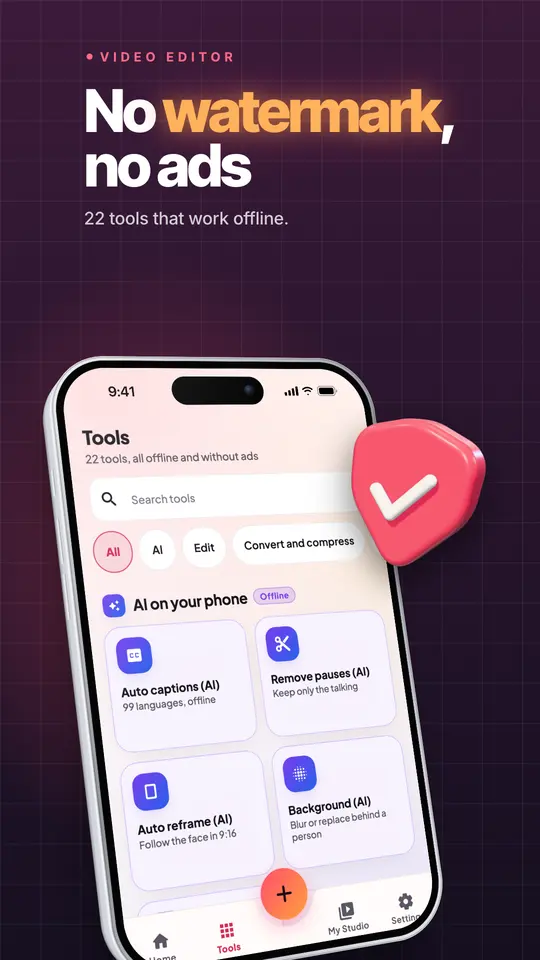
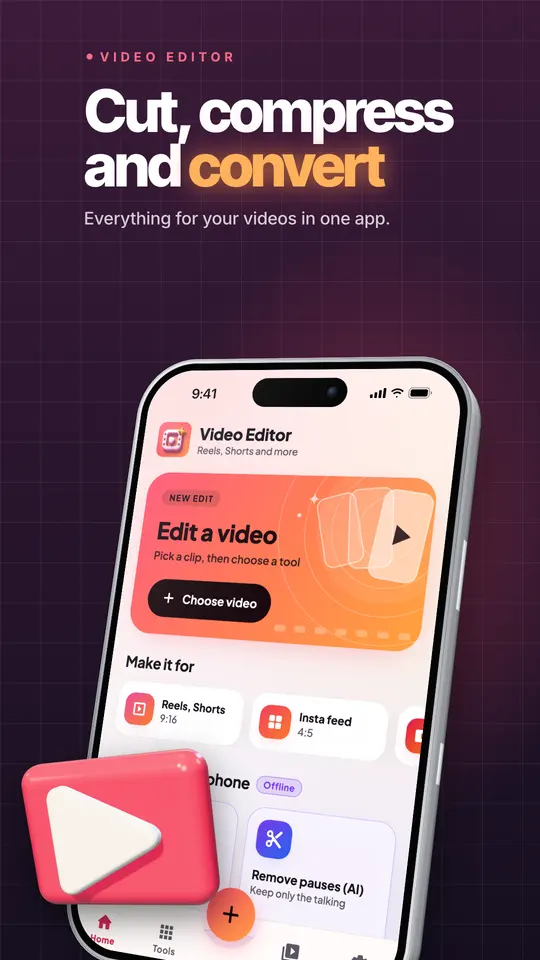
Screen 1 of 8
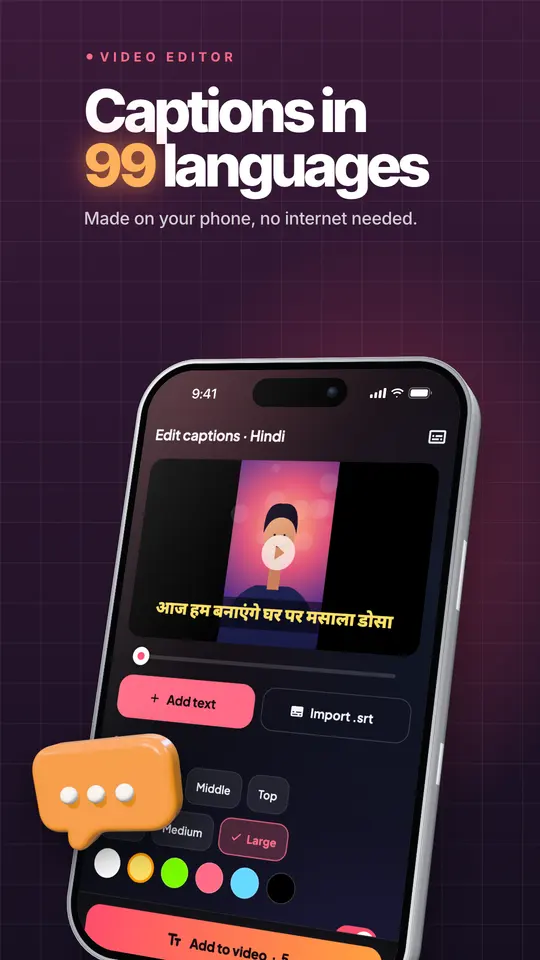
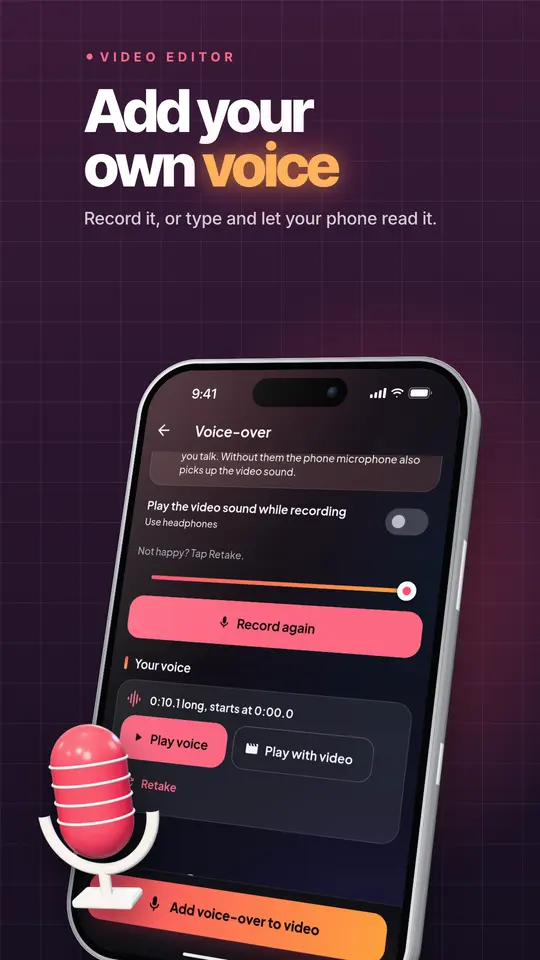
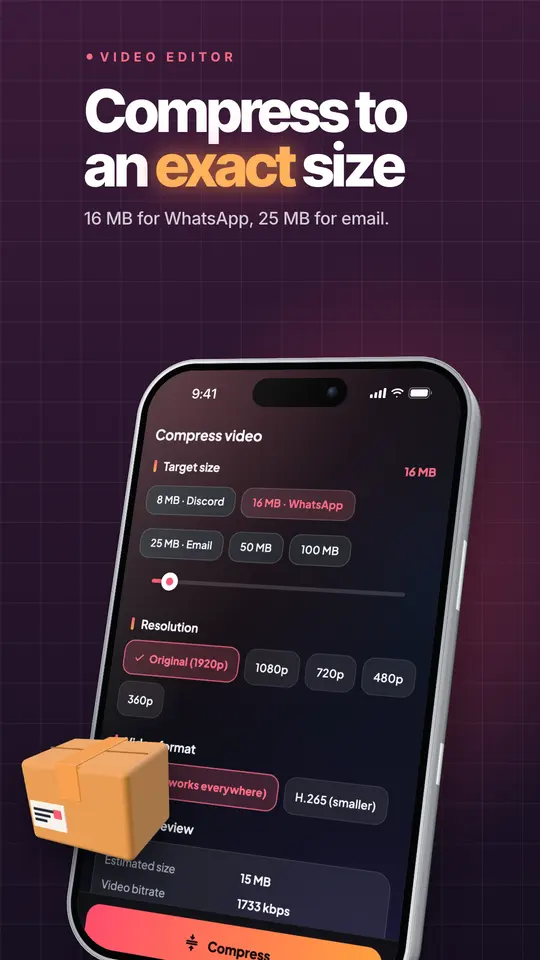
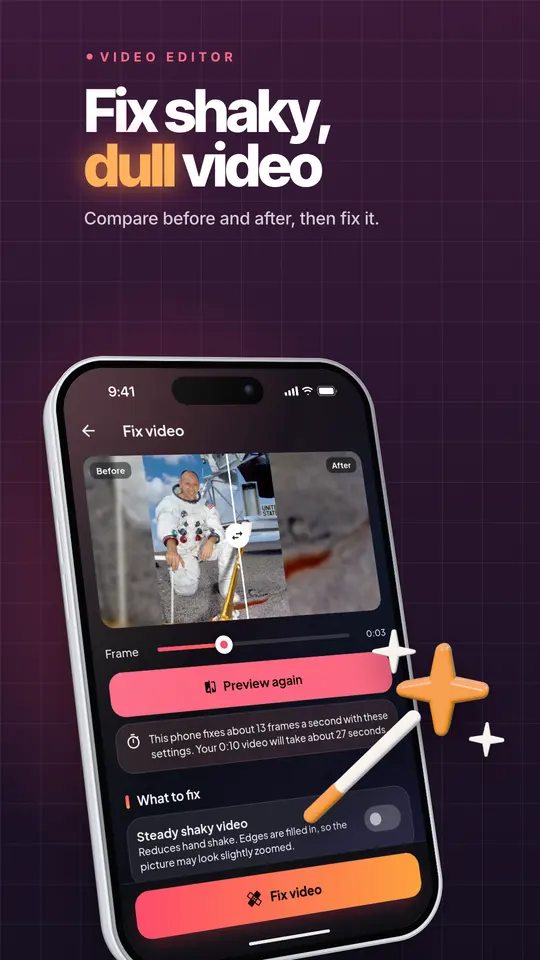
Offline video editor: trim, merge, add subtitles, compress and convert.
Use the arrow keys or the thumbnails to move through the screens.
Swipe sideways to browse the screens.
6 Oct 2026
From the Google Play listing. Latest updates across all apps →
Video Editor cuts, compresses and converts videos on your phone. Trim clips, crop for Reels and Shorts, add AI captions and export in the size and format you need. No ads, no subscription, no watermark and no account. Your videos are never uploaded.
Try Video Editor before you decide anything. There are two ways it is free.
Free tier
Anyone can use Video Editor for free, and the free tier stays free. Some features are limited in the free tier; the Google Play listing lists what is included.
Premium plan
Unlock the full app at no cost for the first months, then keep using the free tier whenever you like.
Everything Video Editor does today, as listed on Google Play.
Made by Zenocta Solutions. Questions or ideas? Write to contact@zenocta.com.
Listing last updated on Google Play: 6 Oct 2026
Pricing, where to get it, platforms and customisation.
Yes. Video Editor has a free tier that anyone can use for free, with limited features. When you start, you also get a free premium plan for up to 3 months that unlocks the full app at no cost for the first months. Some features are limited in the free tier; the Google Play listing lists what is included.
Video Editor: Cut & Convert is live on Google Play.
No. Video Editor: Cut & Convert is an Android app. You can install it from Google Play.
Video Editor covers edit, sound, ai that runs on your phone, export for social, compress and convert, more tools. Video Editor cuts, compresses and converts videos on your phone.
Yes. We can change the name, logo, colours, features and workflow of an existing app, or build something new. Tell us what you need and you will get a scoped, fixed-price proposal within 24 hours.
Write to contact@zenocta.com or message us on WhatsApp. The privacy policy for this app is on our privacy page.
We can change the name, logo, colours and features of an existing app, or build a new one. Book a free consultation and get a fixed-price proposal within 24 hours.