Free tier
Use the app for free with limited features
Anyone can use HomePlany for free, and the free tier stays free. Some features are limited in the free tier; the Google Play listing lists what is included.


House plans · Property and living
Live on Google PlayFloor plans by BHK and facing, with 3D views, Vastu check, cost and EMI tools
homeplany.zenocta.com
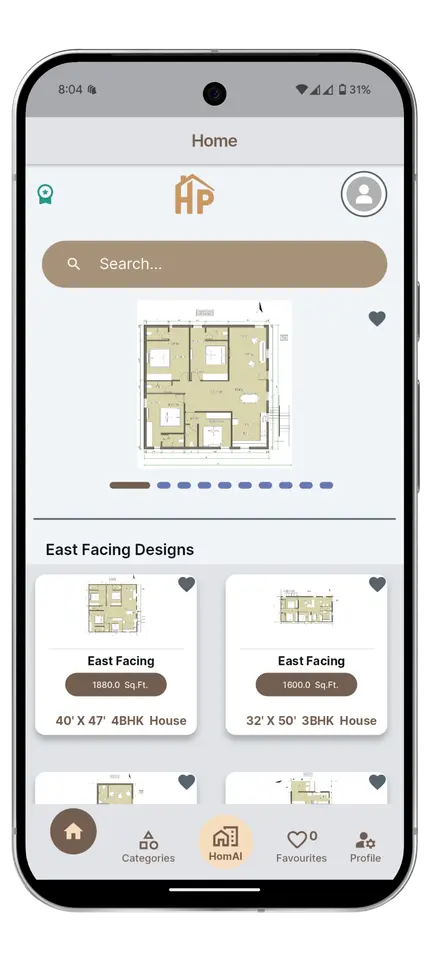
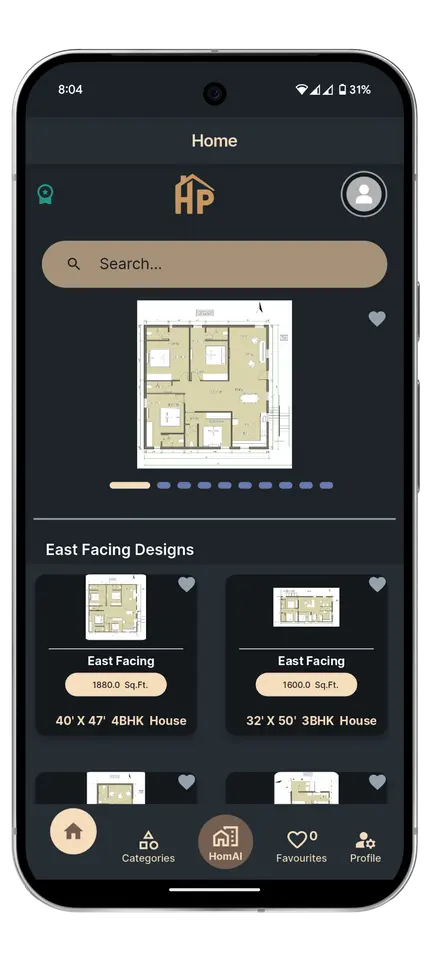
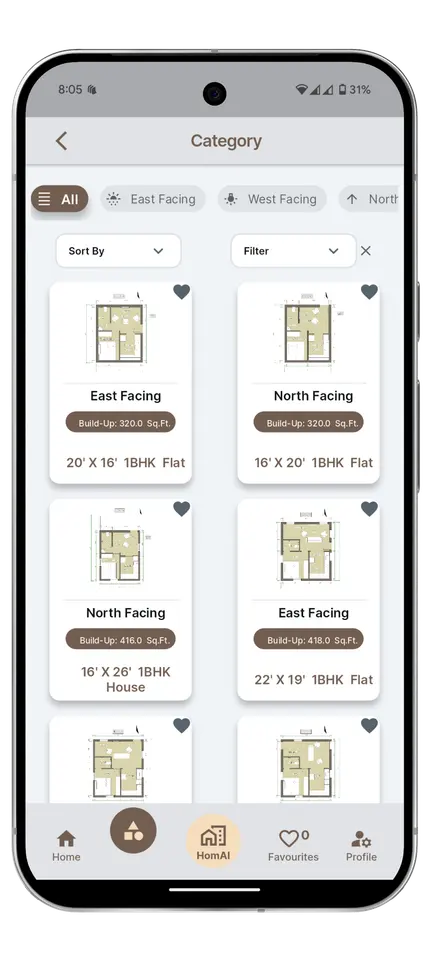
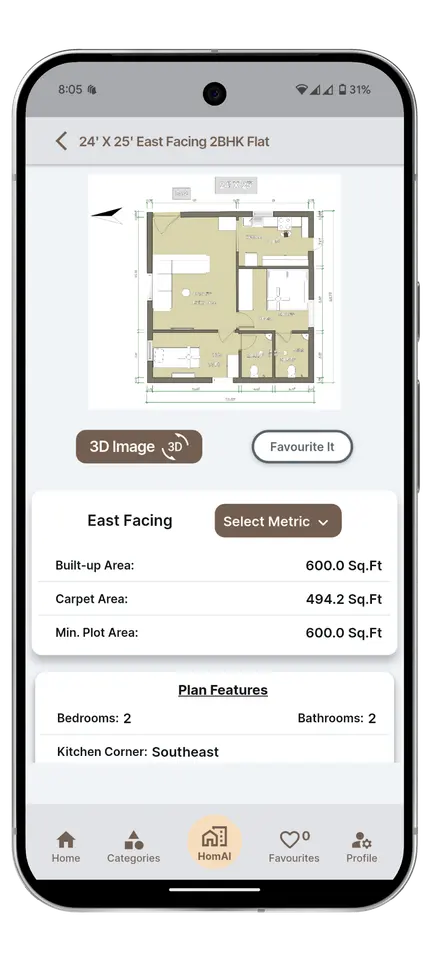
Screen 1 of 8
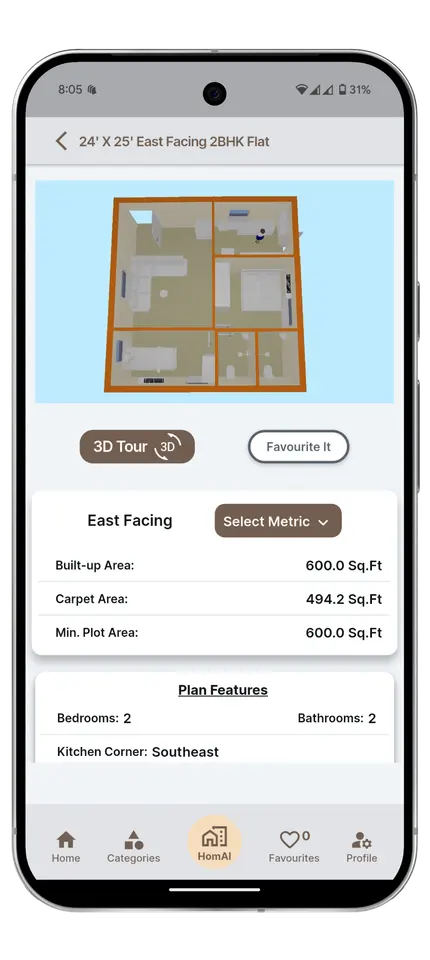
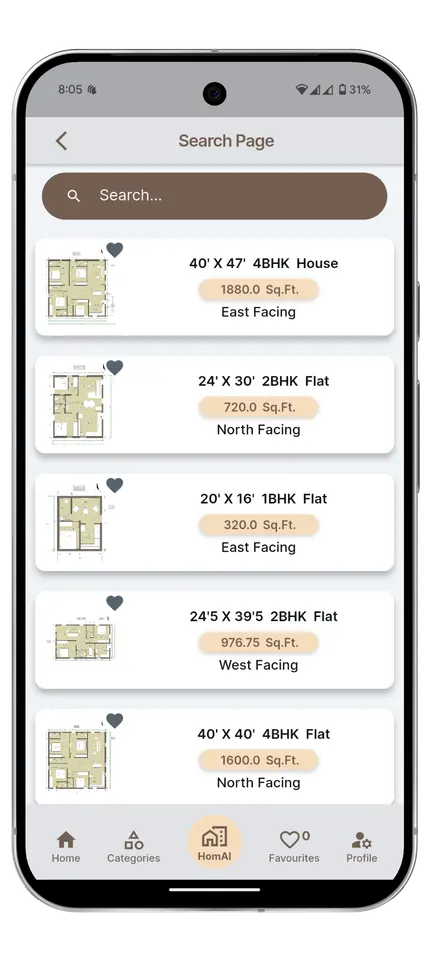
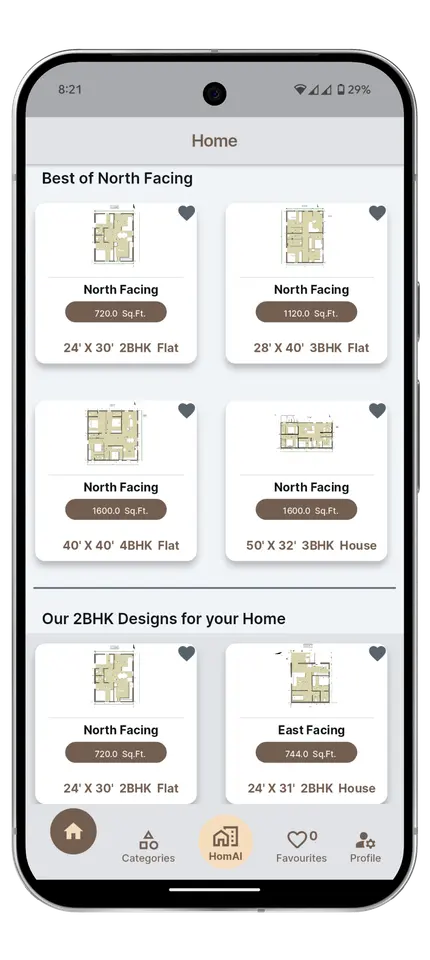
Find the right house plan before you build. Browse ready-made plans with 2D floor plans and 3D views, filter by BHK, facing, floors and size, then plan your budget with built-in tools.
Use the arrow keys or the thumbnails to move through the screens.
Swipe sideways to browse the screens.
HomePlany: find the right house plan before you build.
Browse ready-made house plans with 2D floor plans and 3D views, filter by BHK, facing, floors and size, then plan your budget with built-in tools. Made for first-time home builders, families, NRIs planning a home, builders and architects.
Try HomePlany before you decide anything. There are two ways it is free.
Free tier
Anyone can use HomePlany for free, and the free tier stays free. Some features are limited in the free tier; the Google Play listing lists what is included.
Premium plan
Unlock the full app at no cost for the first months, then keep using the free tier whenever you like.
Everything HomePlany does today, as listed on Google Play.
Cost, EMI and Vastu results are guidance for planning only, not structural, legal or financial advice. Always confirm with a licensed architect or engineer.
Bill GST, Maintenix, EmployHub, PayrlOne, Payslip Maker, Calculator Pro, Doc Convert, Converter Pro, Audio Cutter and ClinOcta. Search "Zenocta Solutions" on Google Play.
Listing last updated on Google Play: 20 Jun 2025
Pricing, where to get it, platforms and customisation.
Yes. HomePlany has a free tier that anyone can use for free, with limited features. When you start, you also get a free premium plan for up to 3 months that unlocks the full app at no cost for the first months. Some features are limited in the free tier; the Google Play listing lists what is included.
HomePlany is live on Google Play and also runs in your browser at homeplany.zenocta.com.
Yes. Open homeplany.zenocta.com in any browser. The Android app is on Google Play.
HomePlany covers find the right plan, 3d views (premium), plan your budget, plan advisor, insights, look and feel. HomePlany: find the right house plan before you build.
Yes. We can change the name, logo, colours, features and workflow of an existing app, or build something new. Tell us what you need and you will get a scoped, fixed-price proposal within 24 hours.
Write to contact@zenocta.com or message us on WhatsApp. The privacy policy for this app is on our privacy page.
We can change the name, logo, colours and features of an existing app, or build a new one. Book a free consultation and get a fixed-price proposal within 24 hours.