Free tier
Use the app for free with limited features
Anyone can use Doc Viewer for free, and the free tier stays free. Some features are limited in the free tier; the Google Play listing lists what is included.

Documents · Tools and education
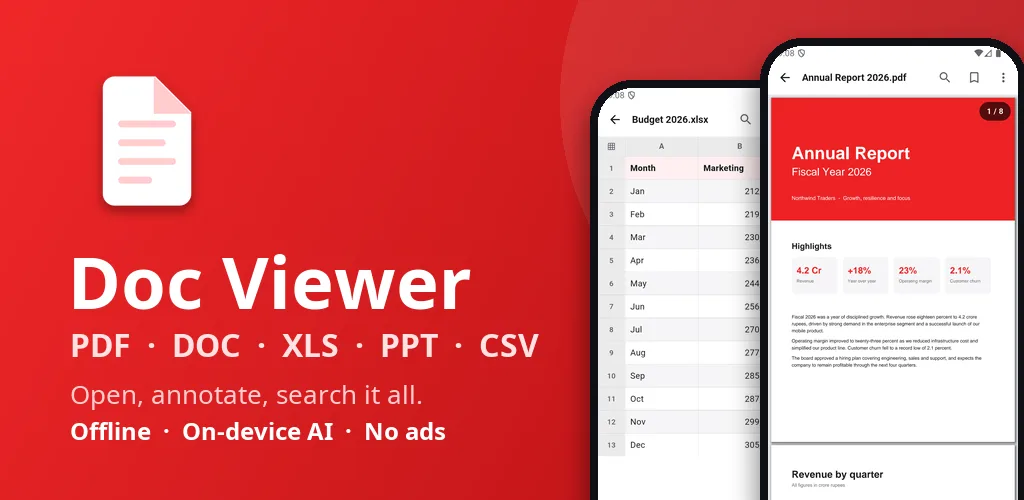
Live on Google PlayPDF, Word, Excel, PPT & CSV reader. Sign PDFs, AI summary, search. Offline.
Screen 1 of 8
A private, offline viewer for PDF, Word, Excel and CSV files.
Use the arrow keys or the thumbnails to move through the screens.
Swipe sideways to browse the screens.
5 Oct 2026
From the Google Play listing. Latest updates across all apps →
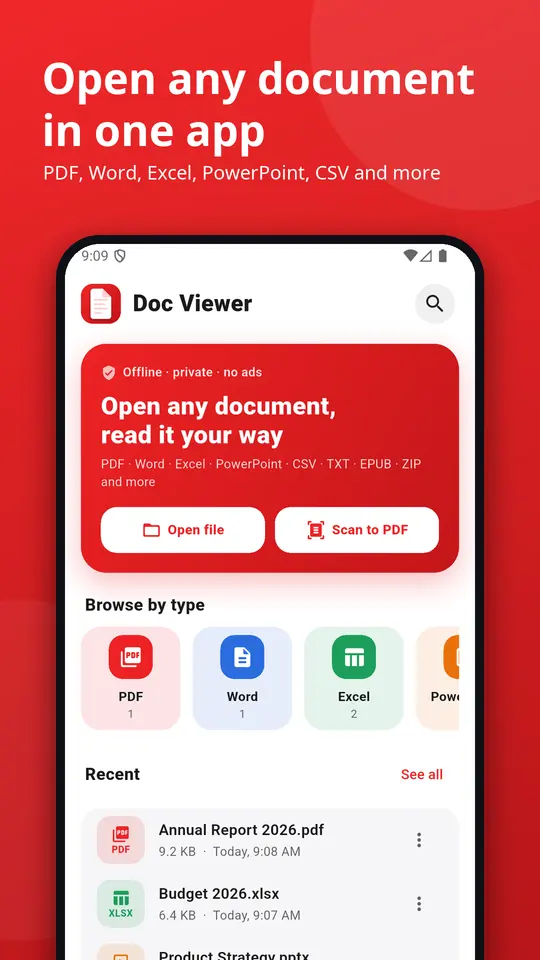
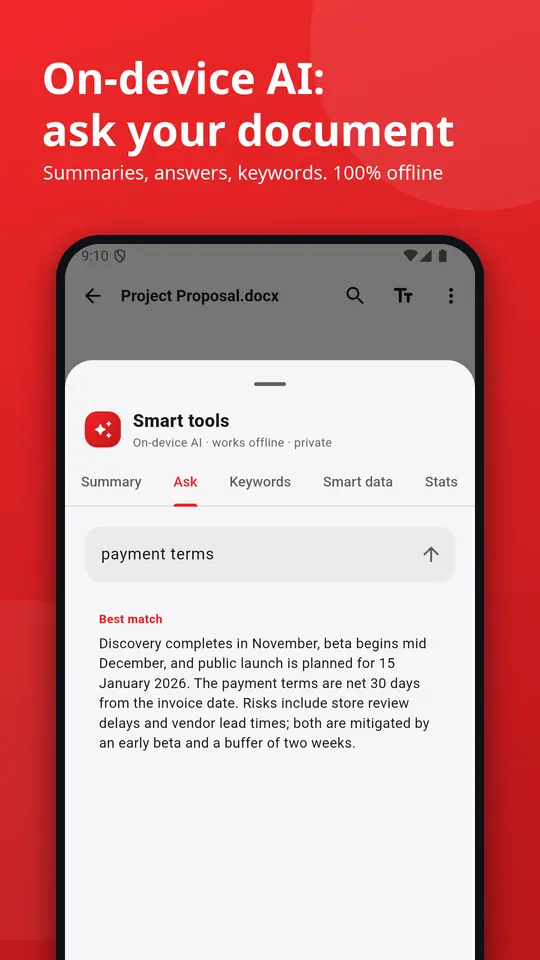
Doc Viewer is a fast all document reader and office viewer for Android. Open PDF, Word (DOC, DOCX), Excel (XLS, XLSX, CSV), PowerPoint (PPT, PPTX), TXT, EPUB and ZIP files in one lightweight app. Works offline, shows no ads and needs no sign-up.
Try Doc Viewer before you decide anything. There are two ways it is free.
Free tier
Anyone can use Doc Viewer for free, and the free tier stays free. Some features are limited in the free tier; the Google Play listing lists what is included.
Premium plan
Unlock the full app at no cost for the first months, then keep using the free tier whenever you like.
Everything Doc Viewer does today, as listed on Google Play.
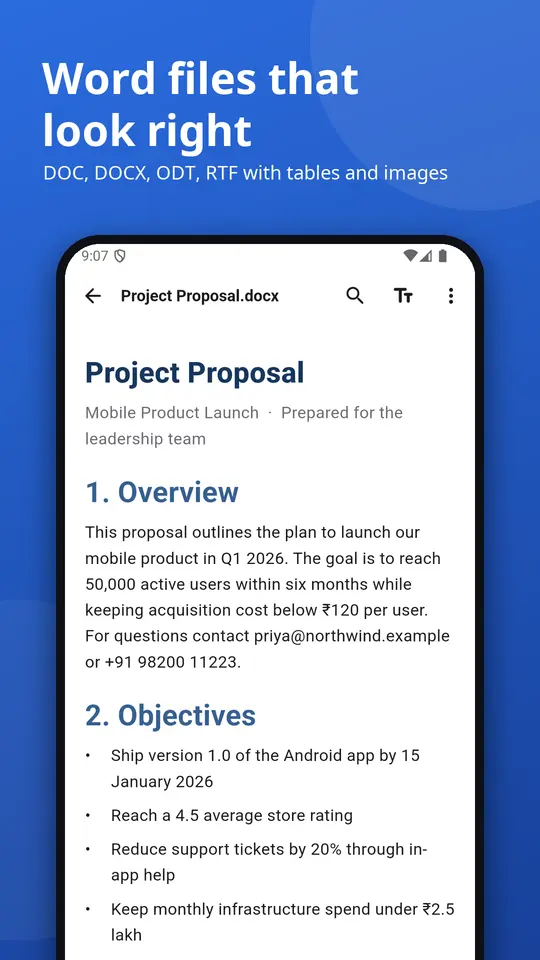
View Word documents with headings, lists, tables, links and pictures. Change text size, switch to sepia or night colours, search the text and open the table of contents. A simple, clean DOCX reader with no formatting surprises.
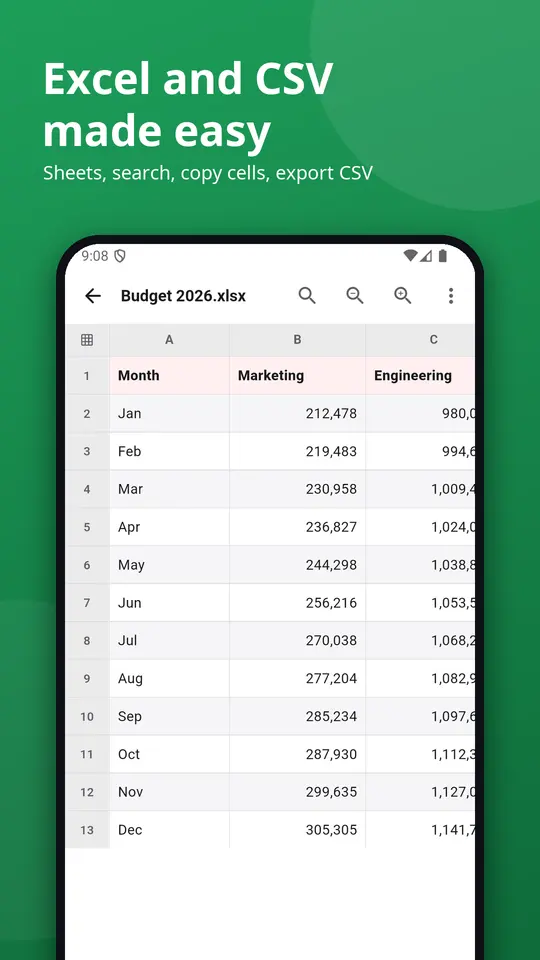
Open spreadsheets with sheet tabs, frozen header rows, correct number, date and currency formats, search, zoom and tap-to-copy cells. Save any sheet as CSV. A quick XLSX viewer and CSV reader for reports, bank statements and data exports.
Browse slides with thumbnails and speaker notes, or present full screen on your phone.
Enter the password to open protected Word, Excel and PowerPoint files (Office 2010 and newer).
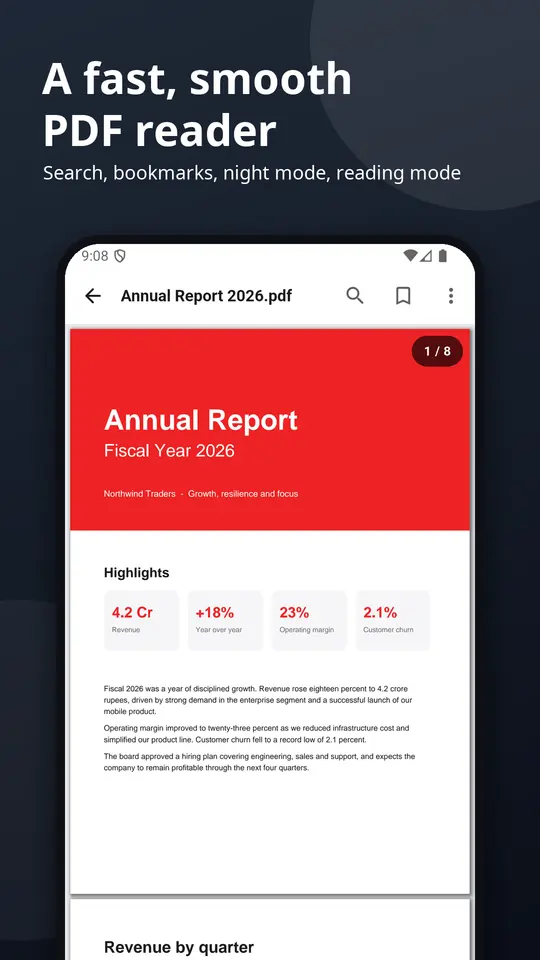
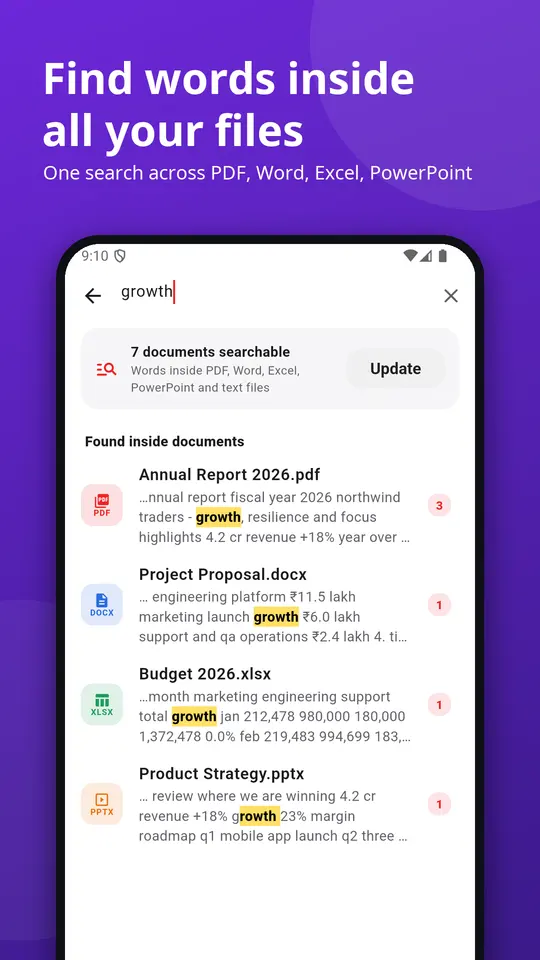
Find a word across every PDF, Word, Excel, PowerPoint and text file at once, with highlighted snippets. Search by file name too.
Everything runs on your phone. No upload, no account.
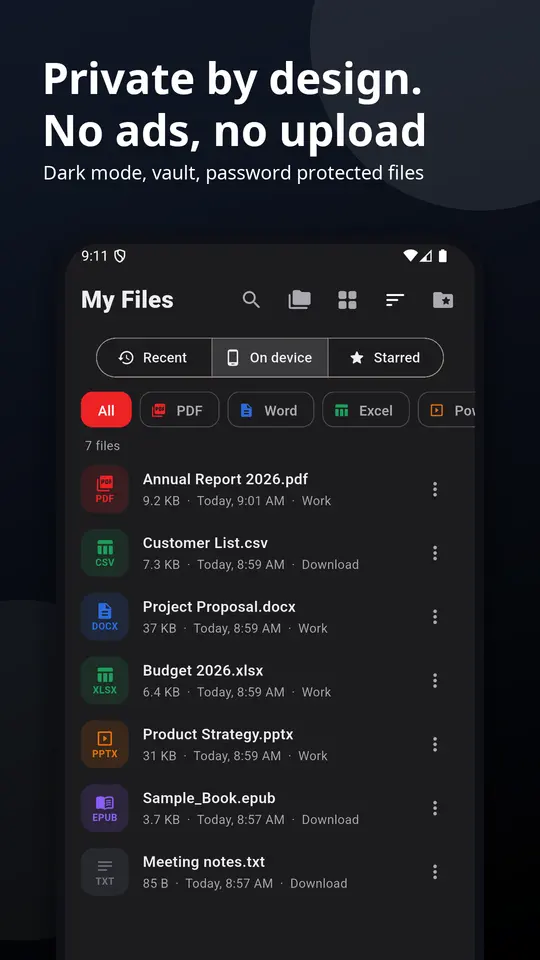
Find every document on your phone with one tap (optional), browse by type or folder, sort, star favourites, rename, share, print and see file info. Opens files from WhatsApp, email, Drive and file managers with Open with.
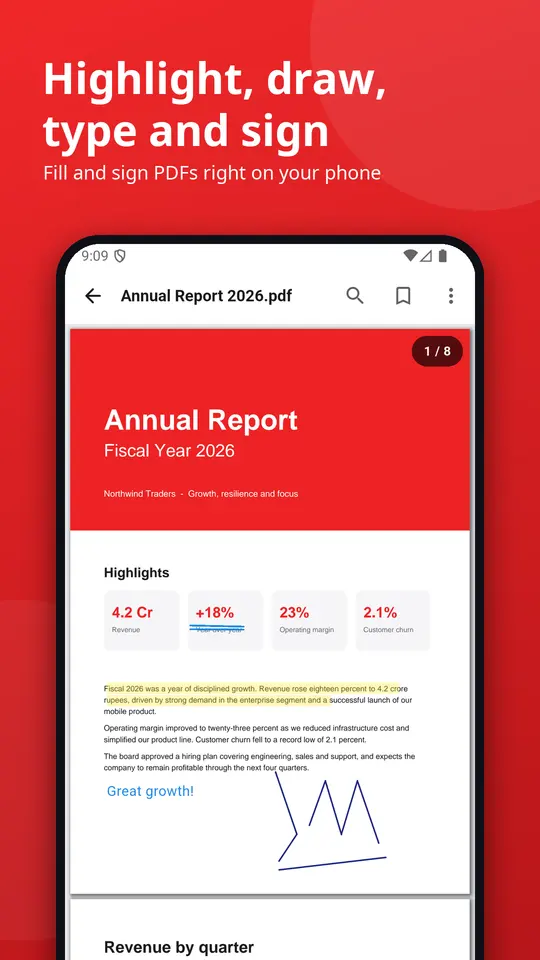
Merge PDF, split PDF, compress PDF to a target size, protect with a password, rotate, images to PDF, PDF to images, scan to PDF, PDF to text, Word, Excel and PowerPoint to PDF.
Good to know: Word, Excel and PowerPoint files show text, tables, pictures and basic layout. Charts, macros and complex layouts may look different. Old DOC, XLS and PPT files open as text and values.
Questions or ideas? contact@zenocta.com
More apps from Zenocta Solutions: Doc Convert, Converter Pro and more. Search "Zenocta Solutions" on Google Play.
Listing last updated on Google Play: 5 Oct 2026
Pricing, where to get it, platforms and customisation.
Yes. Doc Viewer has a free tier that anyone can use for free, with limited features. When you start, you also get a free premium plan for up to 3 months that unlocks the full app at no cost for the first months. Some features are limited in the free tier; the Google Play listing lists what is included.
Doc Viewer: PDF, DOC, XLS, CSV is live on Google Play.
No. Doc Viewer: PDF, DOC, XLS, CSV is an Android app. You can install it from Google Play.
Doc Viewer covers 📄 pdf reader and viewer, 📝 word viewer (doc, docx, odt, rtf), 📊 excel and csv viewer (xls, xlsx, ods, csv), 📽 ppt viewer (ppt, pptx, odp), 🔐 password-protected files, 🔎 search inside all documents. Doc Viewer is a fast all document reader and office viewer for Android.
Yes. We can change the name, logo, colours, features and workflow of an existing app, or build something new. Tell us what you need and you will get a scoped, fixed-price proposal within 24 hours.
Write to contact@zenocta.com or message us on WhatsApp. The privacy policy for this app is on our privacy page.
We can change the name, logo, colours and features of an existing app, or build a new one. Book a free consultation and get a fixed-price proposal within 24 hours.