Free tier
Use the app for free with limited features
Anyone can use Doc Convert for free, and the free tier stays free. Some features are limited in the free tier; the Google Play listing lists what is included.
Documents · Tools and education
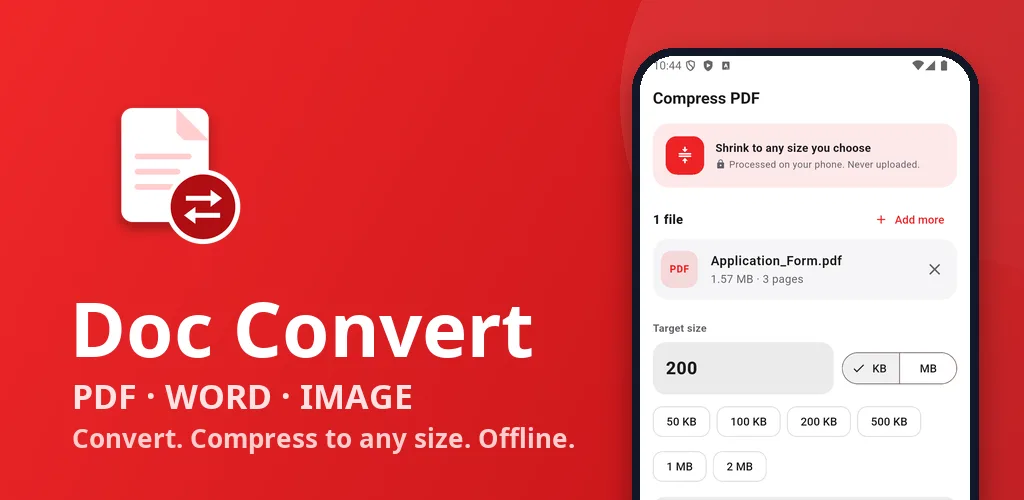
Live on Google PlayConvert PDF, Word & images. Compress to exact KB/MB. Offline, no watermark.
Screen 1 of 6
Convert PDF, Word and image files privately, offline on your phone.
Use the arrow keys or the thumbnails to move through the screens.
Swipe sideways to browse the screens.
3 Oct 2026
From the Google Play listing. Latest updates across all apps →
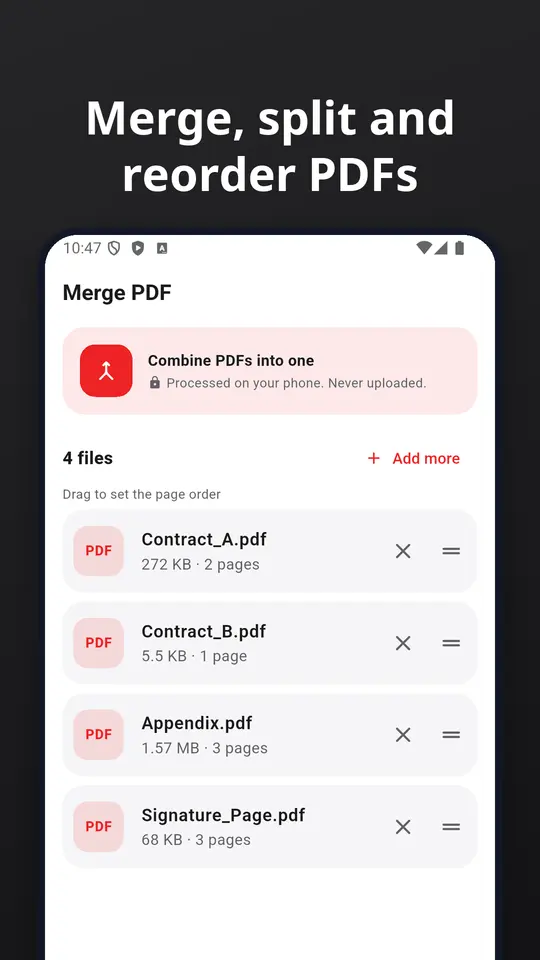
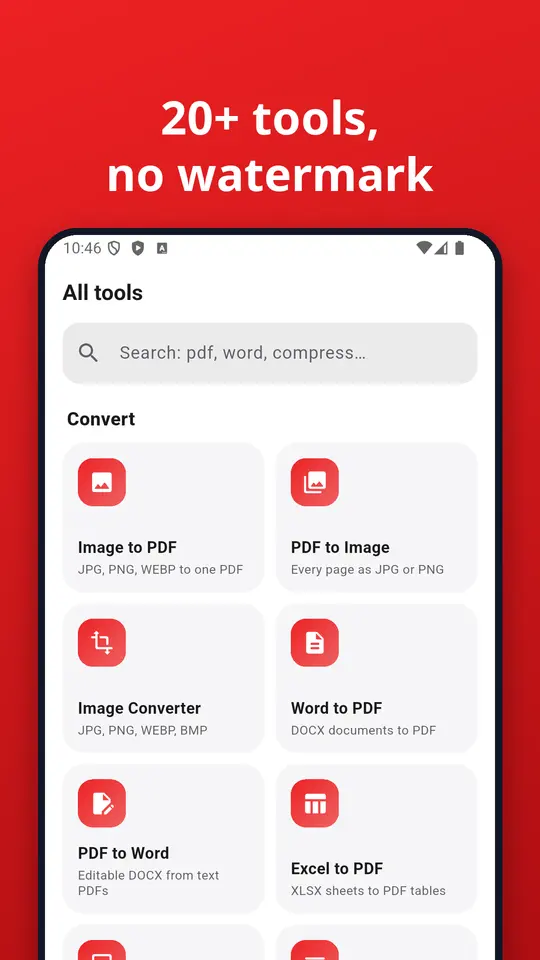
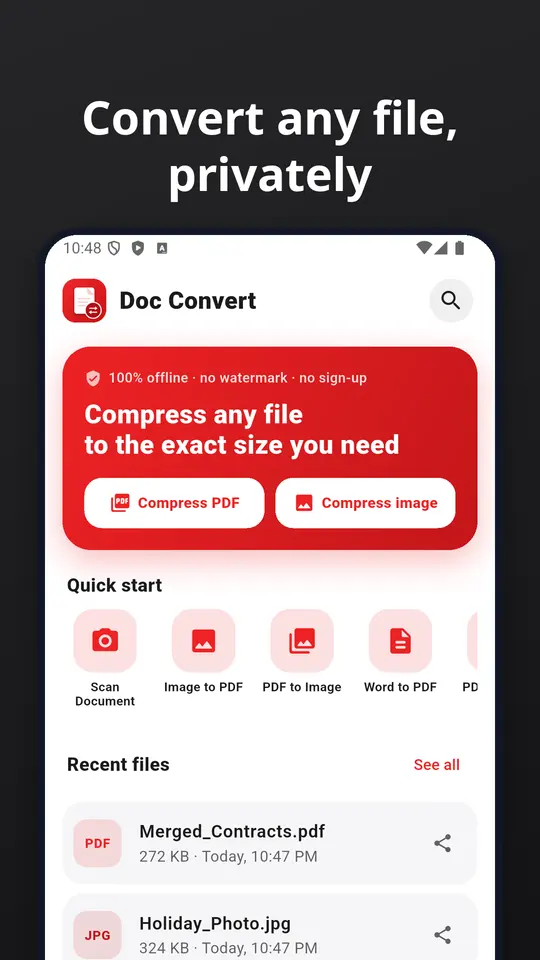
Doc Convert is the private all-in-one file converter and compressor. Turn photos into PDF, PDF into images or Word, merge and split documents, and shrink any PDF or picture to the exact size an upload form asks for. Everything runs on your phone: no uploads, no account, no watermark.
Try Doc Convert before you decide anything. There are two ways it is free.
Free tier
Anyone can use Doc Convert for free, and the free tier stays free. Some features are limited in the free tier; the Google Play listing lists what is included.
Premium plan
Unlock the full app at no cost for the first months, then keep using the free tier whenever you like.
Everything Doc Convert does today, as listed on Google Play.
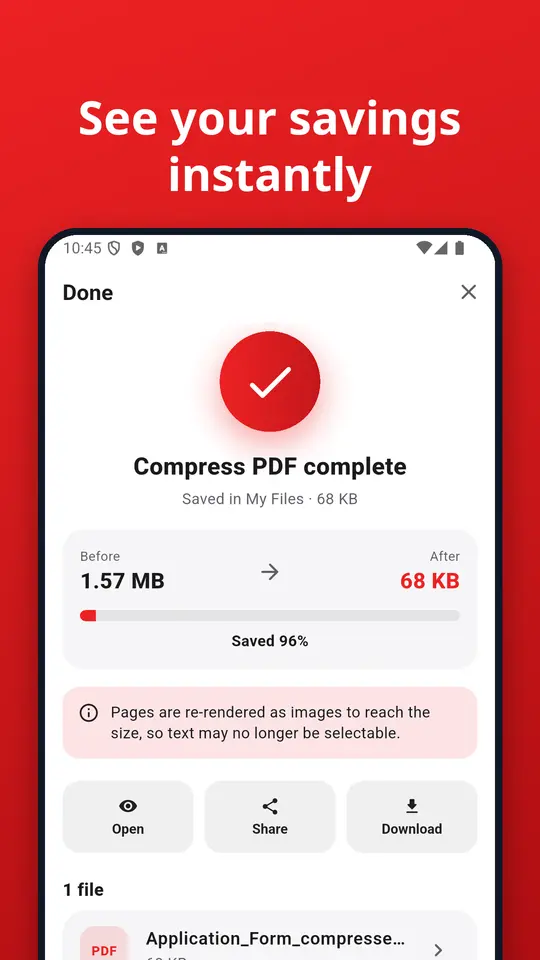
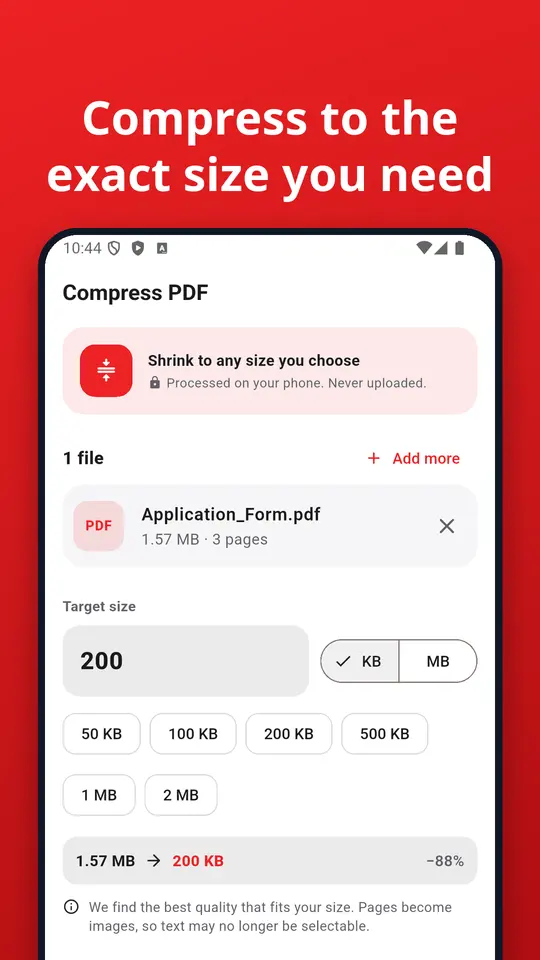
Type the size you need, such as 50 KB, 100 KB, 200 KB, 500 KB or 2 MB, and Doc Convert finds the best quality that fits. Ideal for exam forms, visa and passport photos, job portals, government sites and email attachments. See before and after sizes instantly.
Scan paper with automatic edge detection and clean-up, add many pages, import from the gallery, and save as a PDF.
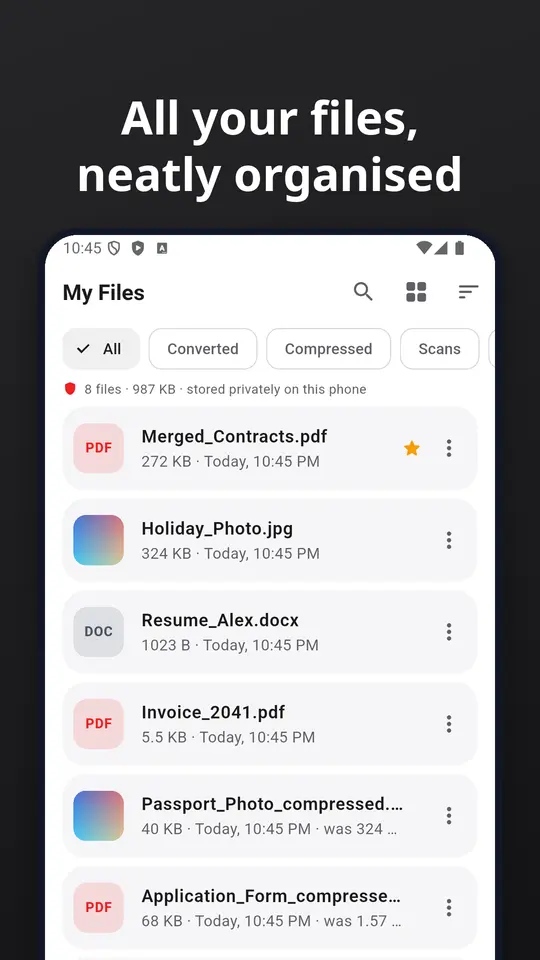
Every file you convert or compress is saved in My Files on your phone. Search, sort, filter by Converted, Compressed, Scans or PDF edits, mark favourites, rename, share, and open in the built-in viewer. Long-press to select several files, then share, delete or download them together.
Save any file or a ZIP of several files to Downloads, Documents, Google Drive or any folder you choose.
Move sensitive files into the vault. They are encrypted with AES-256 and need your fingerprint, face or screen lock to open.
Good to know: Word, Excel and PowerPoint conversion is text-based and keeps text, tables and pictures, but complex layouts and charts may look different. Compressing a PDF to a small size turns pages into images, so text may no longer be selectable.
Questions or ideas? Write to contact@zenocta.com
📲 More from Zenocta Solutions: Converter Pro, Payslip Maker and more practical apps. Search "Zenocta Solutions" on Google Play.
Listing last updated on Google Play: 3 Oct 2026
Pricing, where to get it, platforms and customisation.
Yes. Doc Convert has a free tier that anyone can use for free, with limited features. When you start, you also get a free premium plan for up to 3 months that unlocks the full app at no cost for the first months. Some features are limited in the free tier; the Google Play listing lists what is included.
Doc Convert: PDF, Word, Image is live on Google Play.
No. Doc Convert: PDF, Word, Image is an Android app. You can install it from Google Play.
Doc Convert covers 🎯 compress to any size, 🔄 convert anything, 📄 pdf tools, 📷 scan documents, 🗂 all your files, organised, ⬇ download anywhere. Doc Convert is the private all-in-one file converter and compressor.
Yes. We can change the name, logo, colours, features and workflow of an existing app, or build something new. Tell us what you need and you will get a scoped, fixed-price proposal within 24 hours.
Write to contact@zenocta.com or message us on WhatsApp. The privacy policy for this app is on our privacy page.
We can change the name, logo, colours and features of an existing app, or build a new one. Book a free consultation and get a fixed-price proposal within 24 hours.